Latest posts

Blog

  • What is the Remove Overlapping Entities Tool?
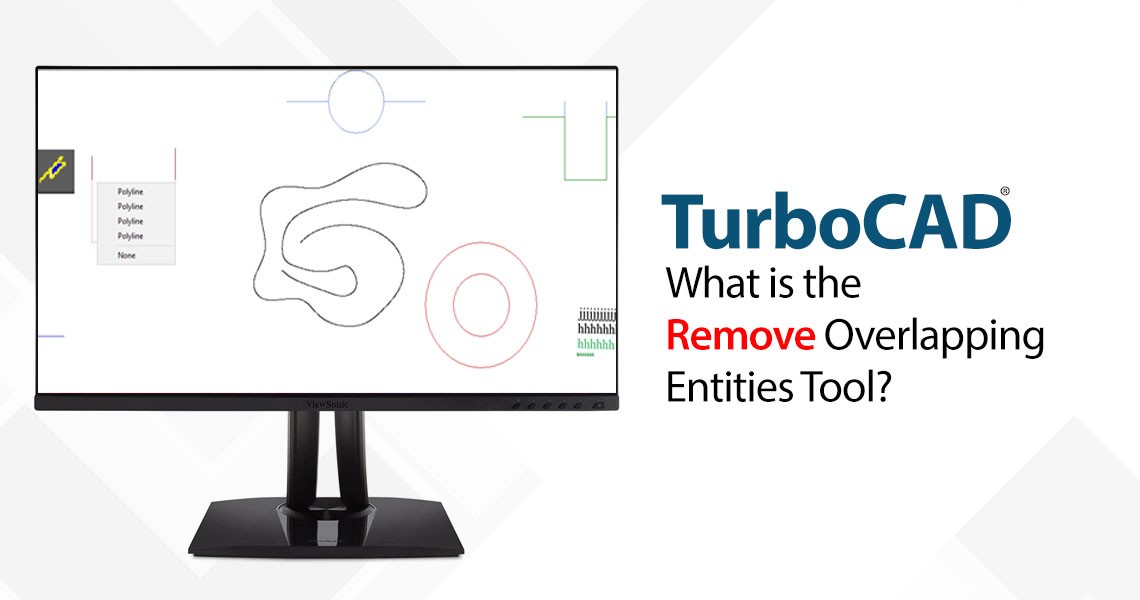
    What is the Remove Overlapping Entities Tool?

    The Remove Overlapping Entities tool is a command that can be accessed from the Modify menu, or by typing OVERKILL on the command line. This tool analyzes the selected objects in your drawing and identifies any overlapping or duplicate entities, such as lines, arcs, polylines, circles, text, dimensions, etc. It then deletes the redundant entities and preserves the remaining ones, resulting in a cleaner and simpler drawing.

    Read more
  • TurboCAD and 4K Compatibility: Crisp, Scalable UI for Modern Displays
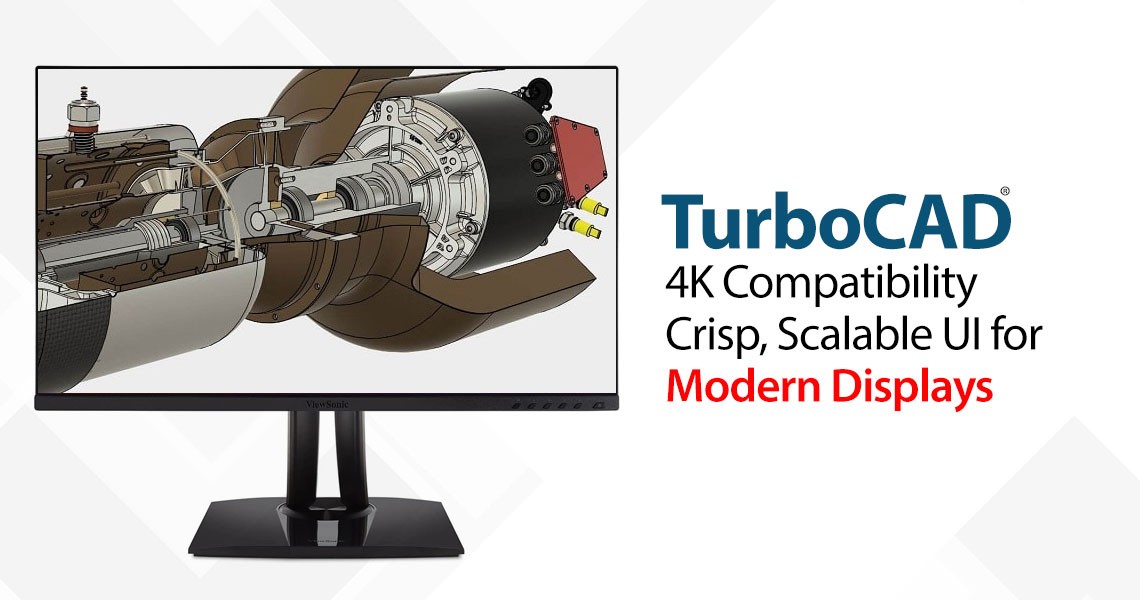
    TurboCAD and 4K Compatibility: Crisp, Scalable UI for Modern Displays

    In today's era of high-definition visuals and ultra-sharp displays, software must evolve to meet the demands of modern hardware. TurboCAD rises to this challenge with a refined, scalable user interface specifically designed for 4K and high-resolution monitors. Whether you’re an architect, engineer, or designer, you can expect a seamless, visually comfortable experience across all screen sizes.

    Read more
  • Design Director
    Design Director

    The Design Director is a powerful and convenient palette in TurboCAD that helps you streamline your work and enhance your productivity. It offers advanced controls for managing Layers, Work Planes, Views, Cameras, and Lighting. It is suitable for both Mechanical and Architectural designs, and it is compatible with AutoCAD.

    Read more
  • TurboCAD for AutoCAD Users
    TurboCAD for AutoCAD Users

    Once you’ve made the decision to use TurboCAD, this guide will help you get started by outlining the few differences in jargon, commands, and tools. Here is just some of the information you’ll find:

    Read more
  • TurboCAD Drafting Palette: A Powerful Tool for 2D Documentation
    TurboCAD Drafting Palette: A Powerful Tool for 2D Documentation

    One of the most powerful, yet least known tools in professional versions of TurboCAD is the Drafting Palette. The Drafting Palette is used for the creation of 2D construction and manufacturing documents from 3D designs, including ACIS® solids and 3D surfaces. It can be used in conjunction with both 3D Architectural and Mechanical designs.

    Read more
Showing 21 to 25 of 25 (3 Pages)
This website uses cookies to ensure you get the best experience on our website