
Visualizing a home renovation or interior design idea has traditionally required advanced design skills, professional...
TurboCAD 2026 is here. Upgrade from any earlier version and save.
See upgrade prices →
Questions? [email protected]
Latest posts
-
 Turn Your Ideas into Stunning Home Designs with Copilot Image StudioRead more
 -
 Create Realistic Home Renderings with Reference Images in Home Design CopilotRead more
Reference images help transform ideas and inspirations into more accurate and personalized designs. With Home Design...
-
 Home Design Help in Copilot: Find Answers and Solutions FasterRead more
Home Design Help in Copilot is a powerful assistance feature designed to help users get quick guidance and support...
-
 Understanding Design Preservation in Home Design Copilot Image StudioRead more
Home Design Copilot Image Studio gives you precise control over how closely AI-generated images follow your original...
-
 From Ideas to Solutions: Using General Questions in Home Design CopilotRead more
Designing a home often begins with questions. Whether you’re planning a new house, renovating a room, choosing...
-
 Exploring Input Options in Home Design Copilot Image StudioRead more
Home Design Copilot’s Image Studio provides a powerful and flexible set of input options that allow you to generate...
-
 Enhancing User Experience with Light and Dark Theme Options in Home DesignRead more
The Light and Dark Theme feature in Home Design application allows you to customize the appearance of the interface...
-
 Copilot Palette: Smart Help TriggerRead more
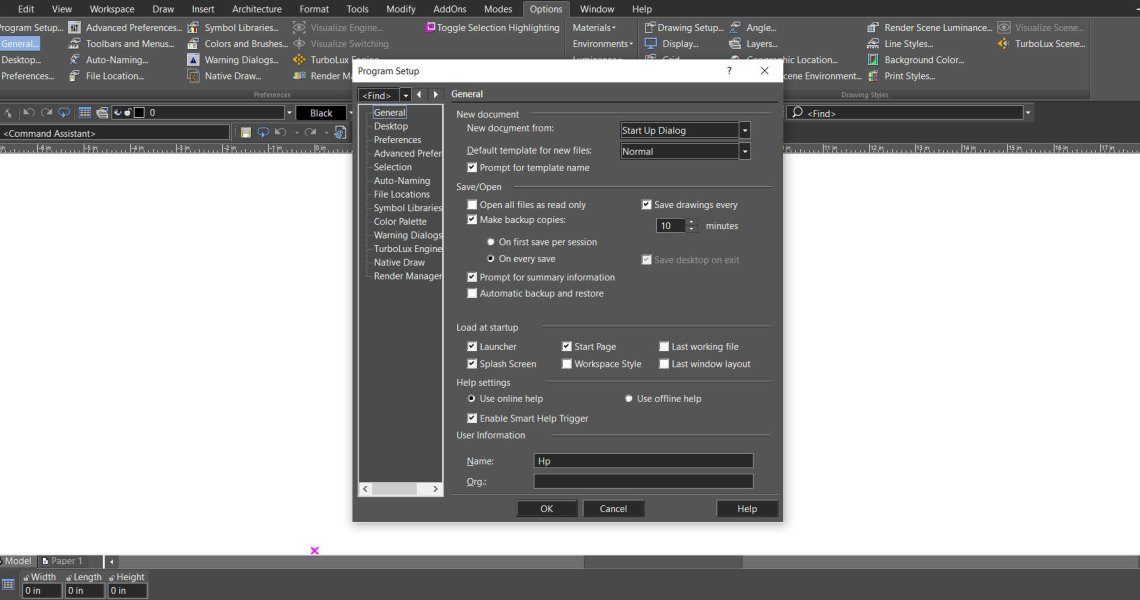
Looking something up usually means breaking off what you were doing. Smart Help Trigger removes that step. With the...
-
 Conceptual Visualization from Your CAD Model with Copilot RenderRead more
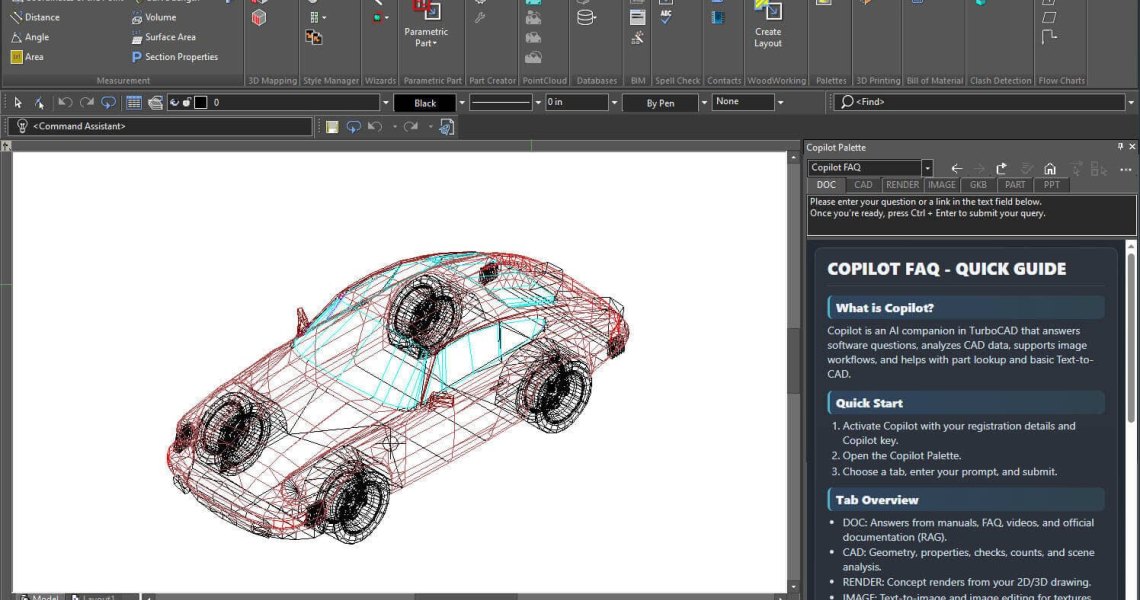
There is usually a gap between a drawing that is technically finished and one a client can react to. Copilot Render...
-
 How to Customize and Manage TurboCAD WorkspacesRead more
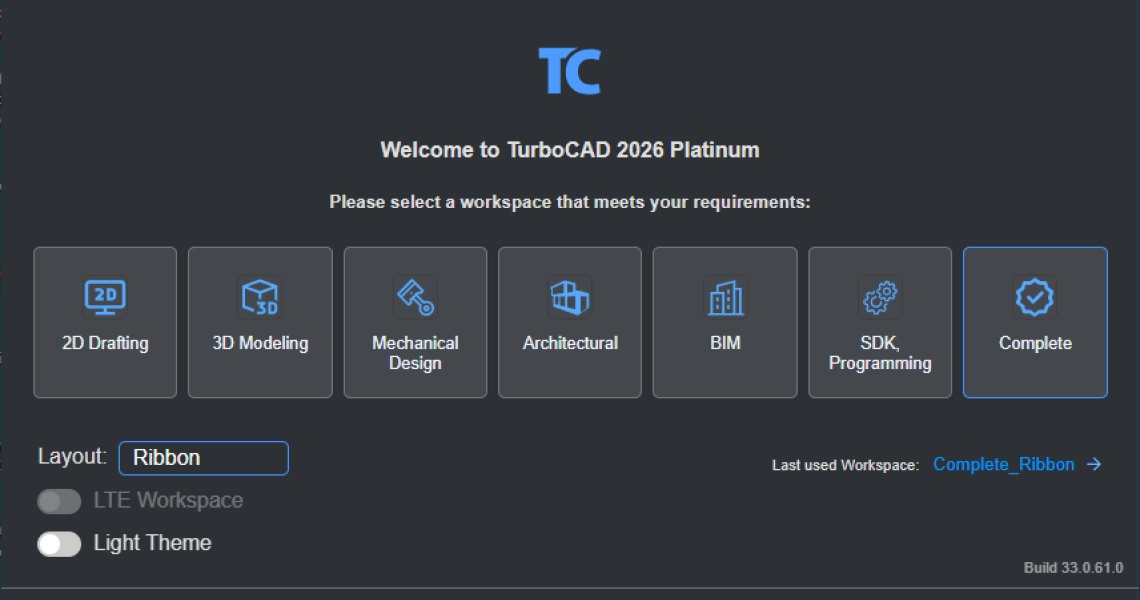
Most drawing sessions only ever touch a fraction of what TurboCAD can do. A mechanical part and a floor plan need...
Blog categories
Search in blog
Trace Tools in TurboCAD
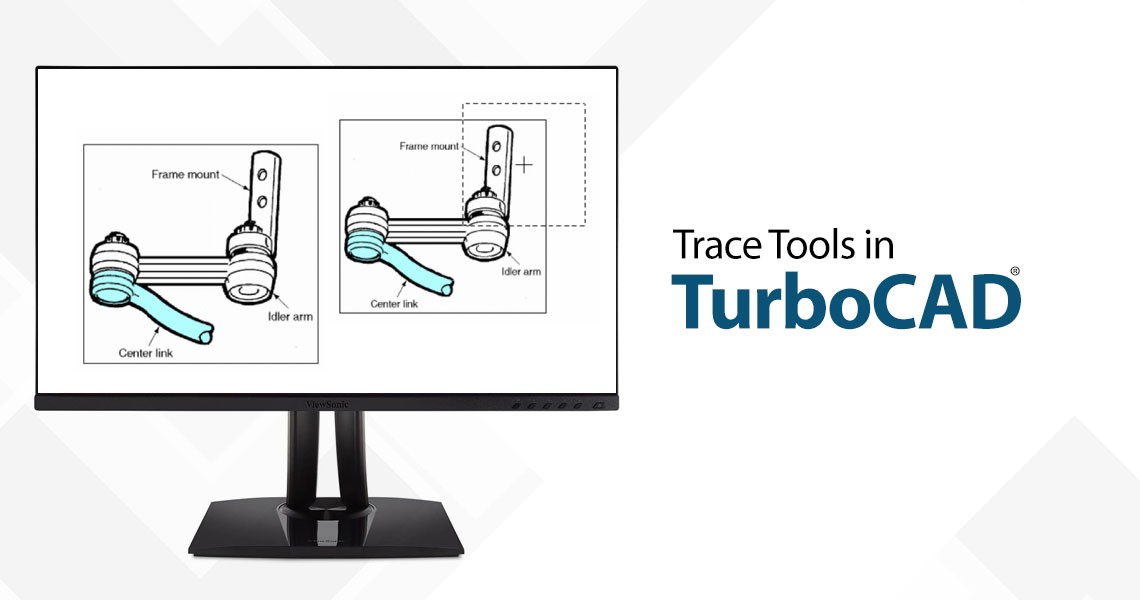
Trace Tools has equipped TurboCAD with the capability to transform 2D raster images into vector tracings, a process that is invaluable for architects, engineers, and designers alike. Available in the Platinum, Professional, and Deluxe versions of TurboCAD, the Trace Tools offer a robust set of functionalities:
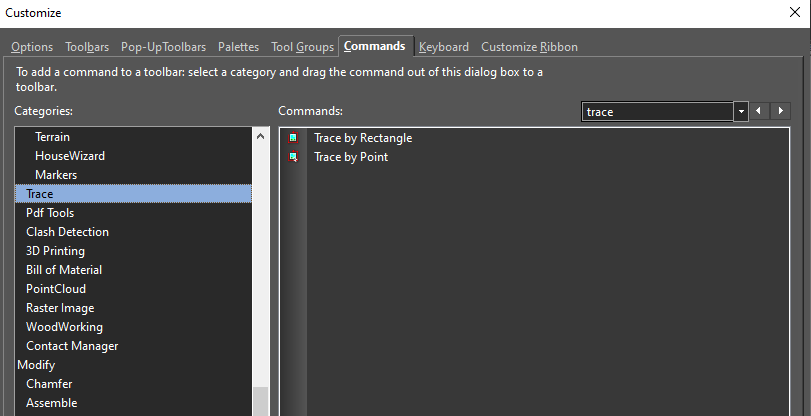
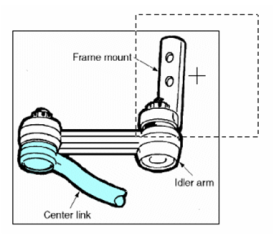
Trace by Rectangle: This tool allows users to create vector tracings within a specified rectangular area. It's particularly useful when working with inserted pictures, enabling users to trace over images and convert them into editable CAD drawings.
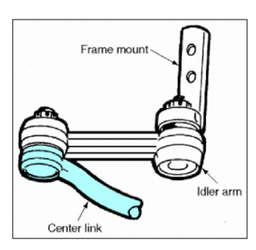
Trace by Point: Similar to Trace by Rectangle, this tool traces objects within a defined area, sized by the Aperture field. It's ideal for tracing specific parts of an image or design.
Local Menu Options: The Trace Tools come with a variety of settings that significantly influence the quality and appearance of the trace. Users can adjust the Smooth Level to reduce jagged lines, the Noise Level to minimize spots, and the Thinning Level to control line widths.
Enhancing CAD Workflows
The Trace Tools are more than just conversion utilities; they are workflow enhancers. By providing a preview mode, users can see their tracings in real-time, ensuring accuracy before finalizing the design. Moreover, the ability to trace around selected colors adds a layer of precision that is crucial for detailed work.
The Impact on Design
The introduction of Trace Tools has had a profound impact on the design process. They have simplified the transition from concept to digital model, saving time and resources. Designers can now focus more on creativity and less on the technicalities of digitizing images.
Related posts
-
How to Customize and Manage TurboCAD Workspaces
Most drawing sessions only ever touch a fraction of what TurboCAD can do. A mechanical part and a floor plan need...Read more
-
Conceptual Visualization from Your CAD Model with Copilot Render
There is usually a gap between a drawing that is technically finished and one a client can react to. Copilot Render...Read more
-
Copilot Palette: Smart Help Trigger
Looking something up usually means breaking off what you were doing. Smart Help Trigger removes that step. With the...Read more
-
 TurboCAD Drafting Palette: A Powerful Tool for 2D Documentation
One of the most powerful, yet least known tools in professional versions of TurboCAD is the Drafting Palette. The...Read more
TurboCAD Drafting Palette: A Powerful Tool for 2D Documentation
One of the most powerful, yet least known tools in professional versions of TurboCAD is the Drafting Palette. The...Read more -
 TurboCAD for AutoCAD Users
Once you’ve made the decision to use TurboCAD, this guide will help you get started by outlining the few differences...Read more
TurboCAD for AutoCAD Users
Once you’ve made the decision to use TurboCAD, this guide will help you get started by outlining the few differences...Read more
Leave a comment