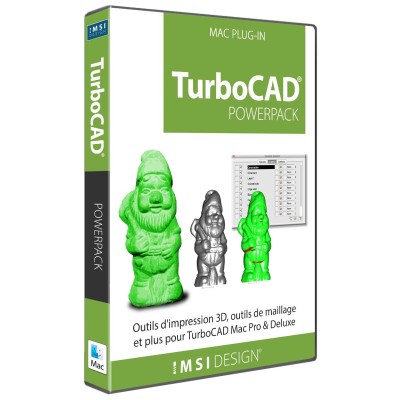
Enhanced 3D Printing and Modeling Tools
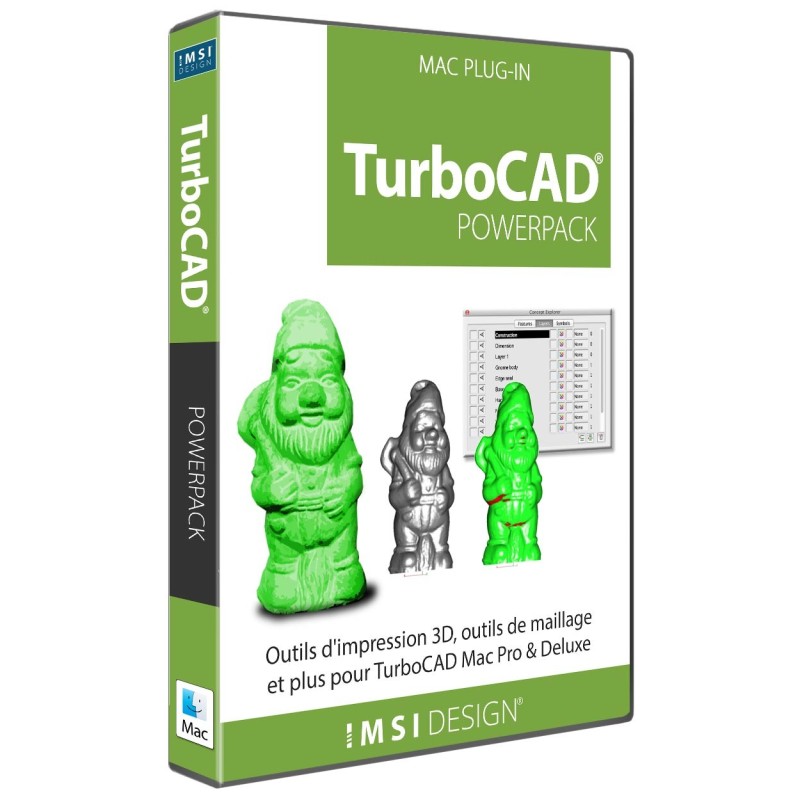
The TurboCAD® Mac PowerPack is an extensive add-on for TurboCAD® Mac Pro and TurboCAD® Mac Deluxe 2D/3D*. The TurboCAD® Mac PowerPack introduces a suite of 3D printing, verification, and repair tools into your CAD workflow.
* TurboCAD® Mac PowerPack is included in TurboCAD® Mac Platinum.
Bought together with PowerPack Term License (1 Year). Each is added as its own licence.
 FloorPlan 2022 Home & Landscape - Mac
$299.99
FloorPlan 2022 Home & Landscape - Mac
$299.99
 CADsymbols 20
$199.99
CADsymbols 20
$199.99
 TurboCAD Mac 2D/3D Training Guides
$99.99
TurboCAD Mac 2D/3D Training Guides
$99.99
 Hatch Pattern Creator Plug-in
$199.99
Hatch Pattern Creator Plug-in
$199.99
It provides advanced features to ensure your designs are optimized for 3D printing. These include comprehensive 3D print checks, slice previews, wall thickness analysis, and surface normals checks, along with a collection of tools for mesh, curve, surface, and solid verification and repair.
Expanding the functionality of TurboCAD® Mac, the PowerPack adds more than 70 tools for detailed entity management, 3D printing editing/repair, and sophisticated modeling. A standout feature is the Mesh to Analytic tool, which converts mesh data from formats like STL and SketchUp into accurate solid models. This expansion not only enhances the verification and repair of mesh and entity data but also includes utility features for improved CAD data management.
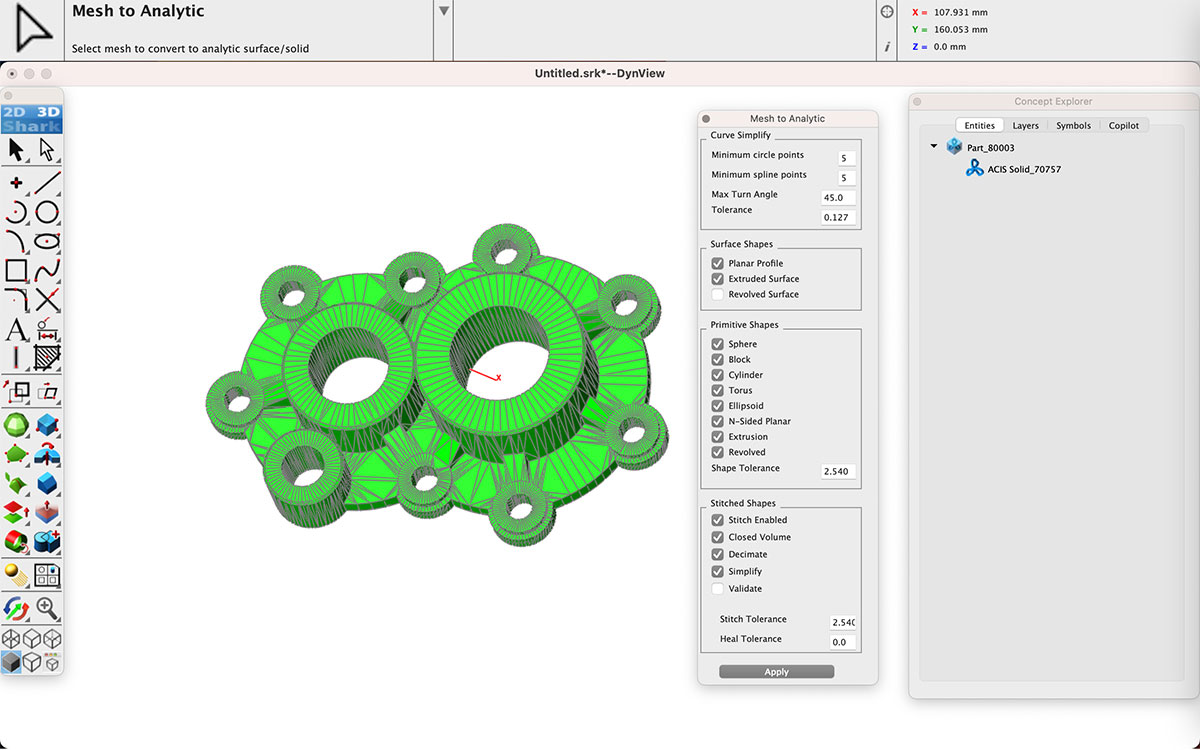
The PowerPack includes a variety of modeling tools to refine your designs:
Optimized mesh tools are provided for reducing triangles, analyzing mesh integrity, and performing comprehensive auto-repairs. Features like vertex smoothing, making vertices planar, and segmenting meshes enhance the versatility of your 3D models. The PowerPack also facilitates the separation of parts, conversion between quads and triangles, and the combination or splitting of selected segments.
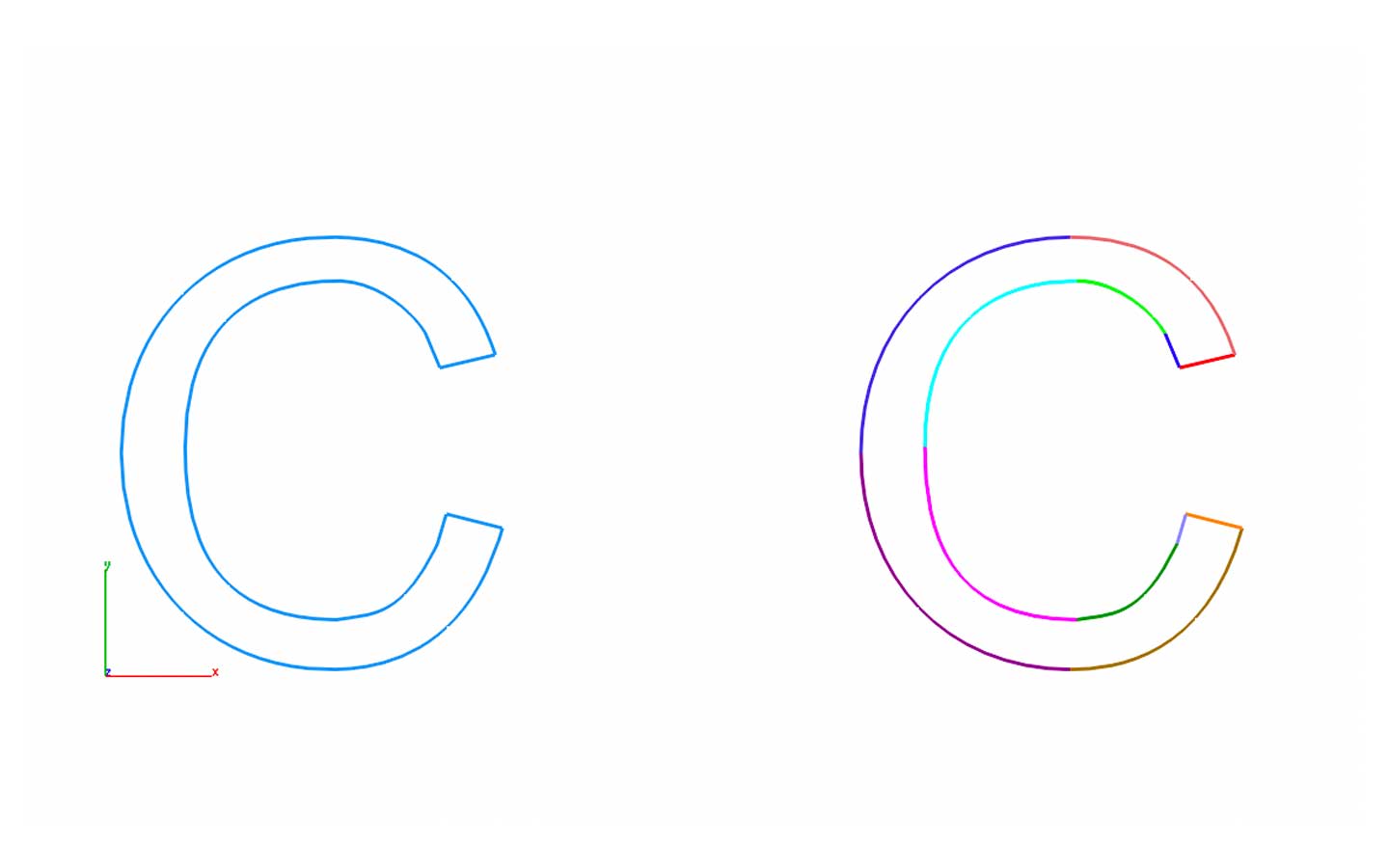
Avoid the pitfalls of curve discontinuities that can hinder successful modeling operations like Booleans, blending, and chamfering. The Split at Discontinuity tool, part of the PowerPack suite, intelligently identifies and splits curves at points of discontinuity, ensuring a smoother design process.
A suite of general tools is included to improve the management of CAD data:
Click here to compare new features across the TurboCAD® Mac product line.
Since the release of the PowerPack for TurboCAD® Mac, hundreds of minor corrections have been implemented to enhance stability and accuracy.
Click here to compare new features across the TurboCAD® Mac product lineup
Minimum System Requirements
Additional Notes
* PowerPack is included in TurboCAD® Mac Platinum.
Powerful Home & Landscape Design for Mac
FloorPlan® Pro is a powerful, professional home and landscape design solution for Windows Desktops. With no experience required, simply drag and drop to plan every phase of your dream home and outdoor living space including cost estimation tools.
Complete Home & Landscape Design
FloorPlan® is a complete, easy-to-use home and landscape design solution for Windows Desktops. No experience required! Simply drag and drop and FloorPlan® does the work for you so you can focus on the final design.
30+ Million Parts, Symbols and Models
CADsymbols® significantly boosts your productivity with over 30 million standard parts, symbols, and models for architectural, mechanical, electronic, and electrical drafting and design. This extensive library provides both 2D symbols and freely revolving 3D models, supporting both metric and imperial measurements, making it perfect for professionals who want to download complex symbols directly into their drawings instead of creating them from scratch.
Complete, Step-by-Step Tutorials for TurboCAD® Mac
This Guide is presented in a Tutorial format, allowing the user to follow the step-by-step instructions from concept to completion. This Guide is structured in a Tutorial Session and Task format and each session contains both a 2D Sketch and a 3D Model of the same design.
Quickly Create Repeating Patterns
The Hatch Pattern Creator, already included in TurboCAD® Platinum and Pro, is now available as an add-on for TurboCAD® Deluxe and Designer users. Design and save repeating patterns. Enhance your designs with custom brush patterns.