
Unlock the full potential of your design process with Copilot, the AI-driven companion seamlessly integrated into TurboCAD®. This integrated AI tool streamlines navigation, expedites your project's progress, and enhances your design endeavors with insightful analysis. Copilot supports two levels: TurboCAD® Copilot Help and TurboCAD® Copilot Professional.
Bought together with Copilot Help Term License (1 Year). Each is added as its own licence.
 TurboCAD 2026 Windows
$1,499.99
TurboCAD 2026 Windows
$1,499.99
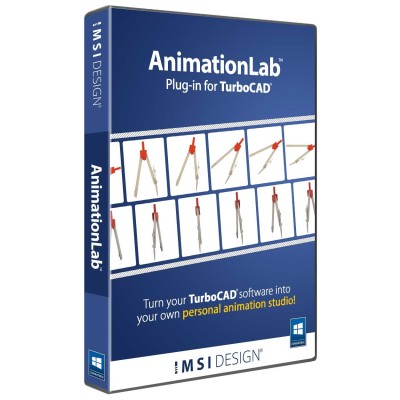
 Animation Lab Plug-in For TurboCAD
$199.99
Animation Lab Plug-in For TurboCAD
$199.99
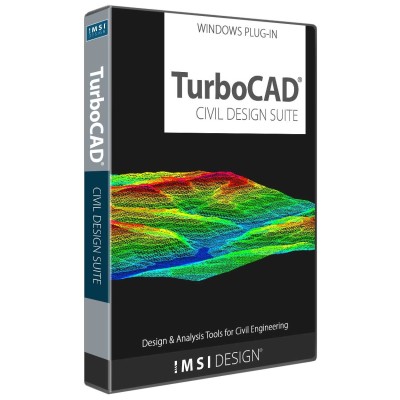
 Civil Design Suite
$399.99
Civil Design Suite
$399.99
 TurboCAD Copilot Professional
$299.99
TurboCAD Copilot Professional
$299.99
Copilot supports two levels: TurboCAD® Copilot Help and TurboCAD® Copilot Professional. TurboCAD® Copilot Help provides essential support by using Retrieval-Augmented Generation (RAG) to find and integrate relevant information from TurboCAD® documentation, including the User Guide, FAQ, YouTube Channel videos, New Features docs, Press releases, Blogs, and selected categories from the User Forum. TurboCAD® Copilot Professional includes all the features of Copilot Help and goes beyond that, supporting advanced capabilities such as Talk to your CAD Data for direct interaction with project files, General AI access for broader design assistance, and Text to Image for generating images to enhance creativity.
With TurboCAD® Copilot, you’re not just working smarter; you’re transforming the way you interact with your CAD software—effortlessly and efficiently.


TurboCAD® Copilot Help leverages RAG technology to deliver contextually relevant answers. It searches for and integrates supplemental information from trusted documentation to address user questions effectively.
TurboCAD® Copilot Help delivers a powerful AI-driven support system, combining advanced intelligence with an extensive database of trusted resources. By searching and integrating relevant content from official documentation, it ensures that users receive precise, contextually accurate responses to their questions. Whether troubleshooting design challenges, learning new features, or exploring best practices, this intelligent assistance empowers users with timely and reliable information tailored to their specific needs, helping them navigate TurboCAD® with confidence.
TurboCAD® Copilot Help provides seamless access to a vast collection of reliable sources, ensuring users can find accurate information quickly. Whether you're looking for step-by-step instructions, troubleshooting guidance, or insights into new features, Copilot Help searches through resources such as:
By integrating AI-powered assistance with well-documented references, it allows users to efficiently explore solutions and enhance their understanding of TurboCAD®.
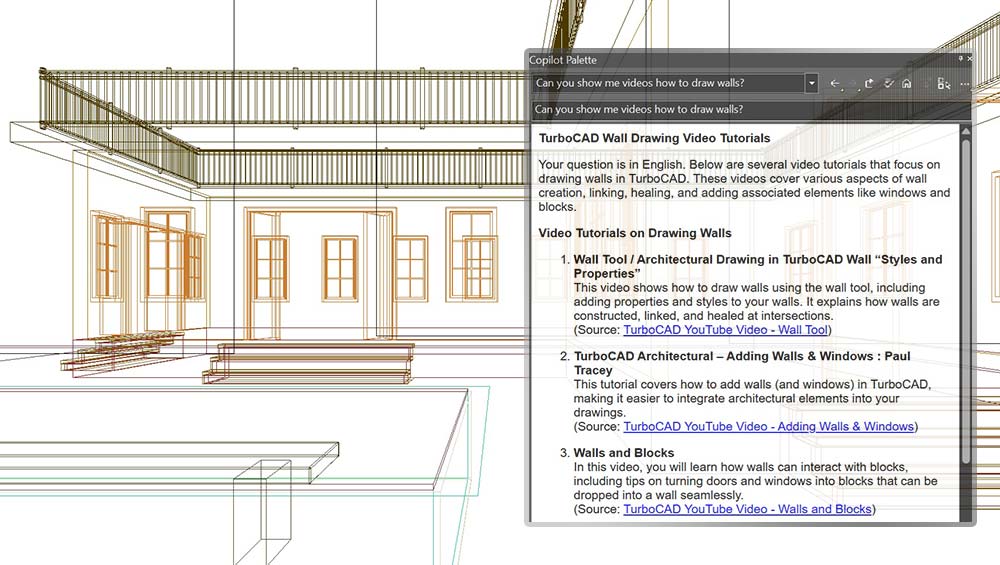
Copilot Help
TurboCAD® Copilot Help offers in-depth responses by analyzing and extracting relevant details from trusted documentation. It simplifies complex topics by delivering clear, well-organized information tailored to user inquiries. Whether seeking feature explanations, CAD design strategies, or improvements in design efficiency, TurboCAD® Copilot Help ensures users receive enriched guidance, allowing them to work more effectively with TurboCAD®.
Visit our Copilot FAQ to find out more about TurboCAD® Copilot!
New features will be available in TurboCAD® Windows 2026 and TurboCAD® Mac 17 only
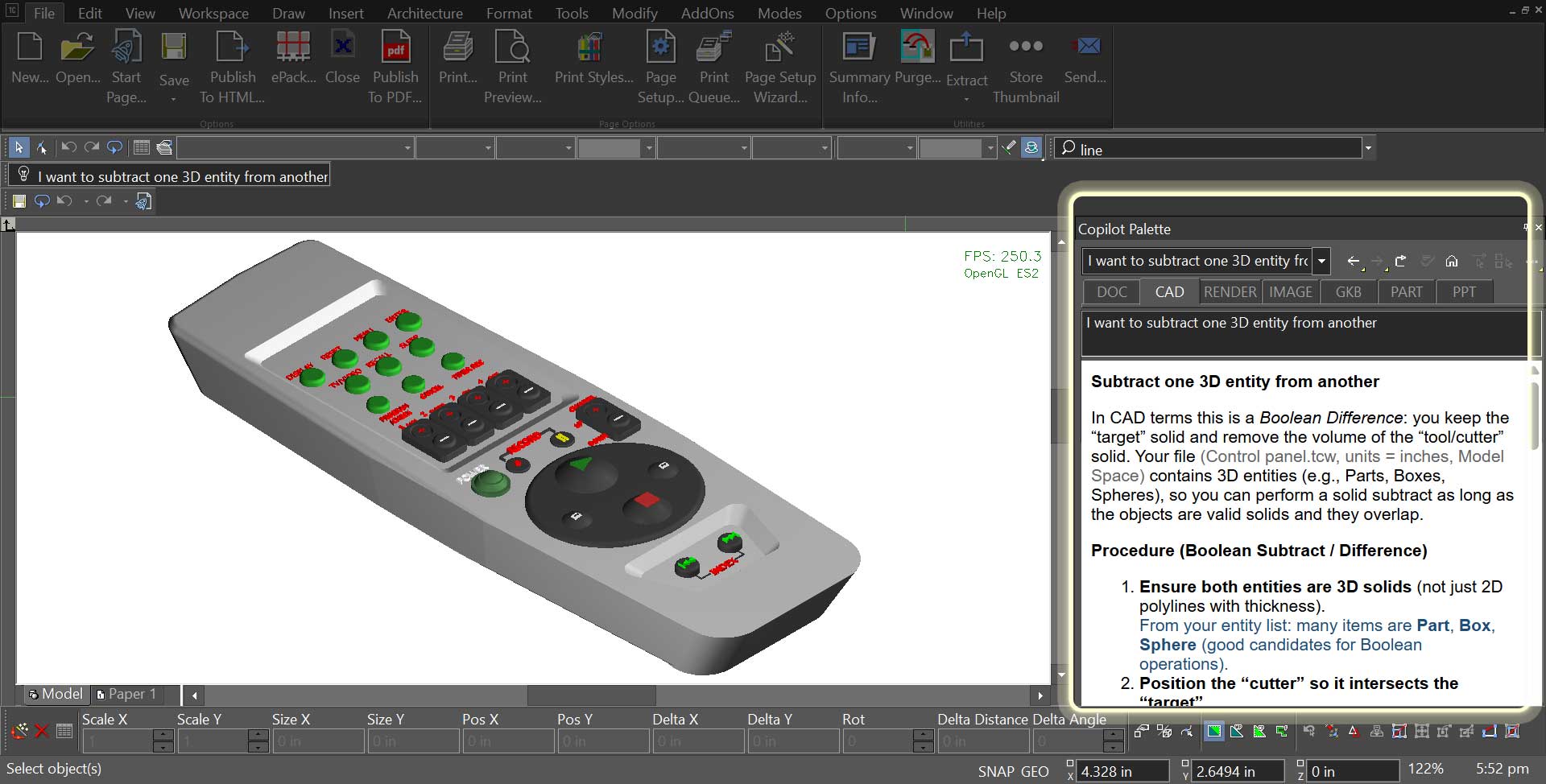
The Command Assistant interprets natural‑language requests entered into the Command Assistant field and turns them into immediate, context‑aware guidance inside the Copilot Palette.
As designers describe an action—whether it’s drawing a shape, adjusting geometry, or modifying surfaces—the Command Assistant identifies the intent and surfaces the most relevant commands or suggestions directly within the palette, without interrupting the modeling flow.
This interaction makes advanced tools easier to reach, reduces time spent searching through menus, and keeps attention on the work taking shape on screen.
The Smart Help Trigger brings contextual guidance directly into the Copilot Palette, giving designers relevant assistance without leaving the drawing environment.
As tools and commands are activated, related help content opens automatically inside the palette, keeping workflows uninterrupted and making it easier to explore features while staying focused on design.
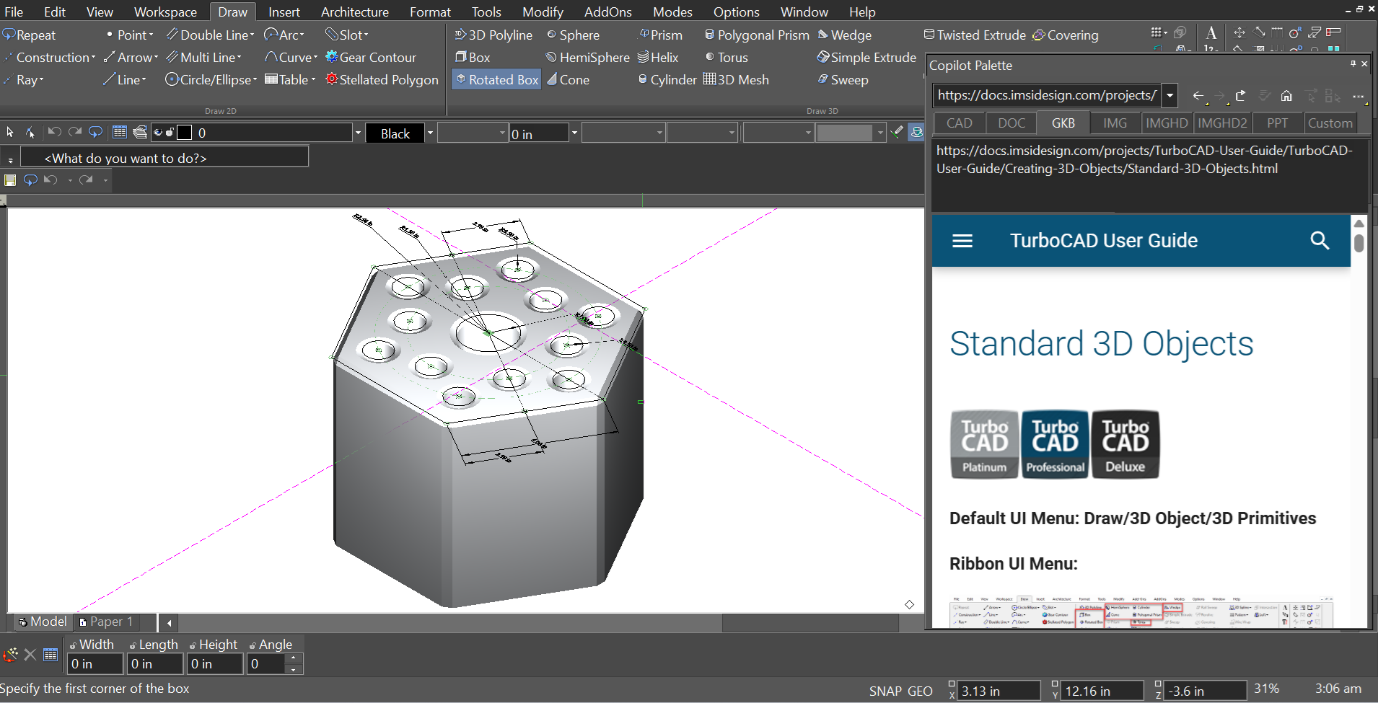
This integrated experience supports faster learning, smoother iteration, and a more natural way to work with complex models.
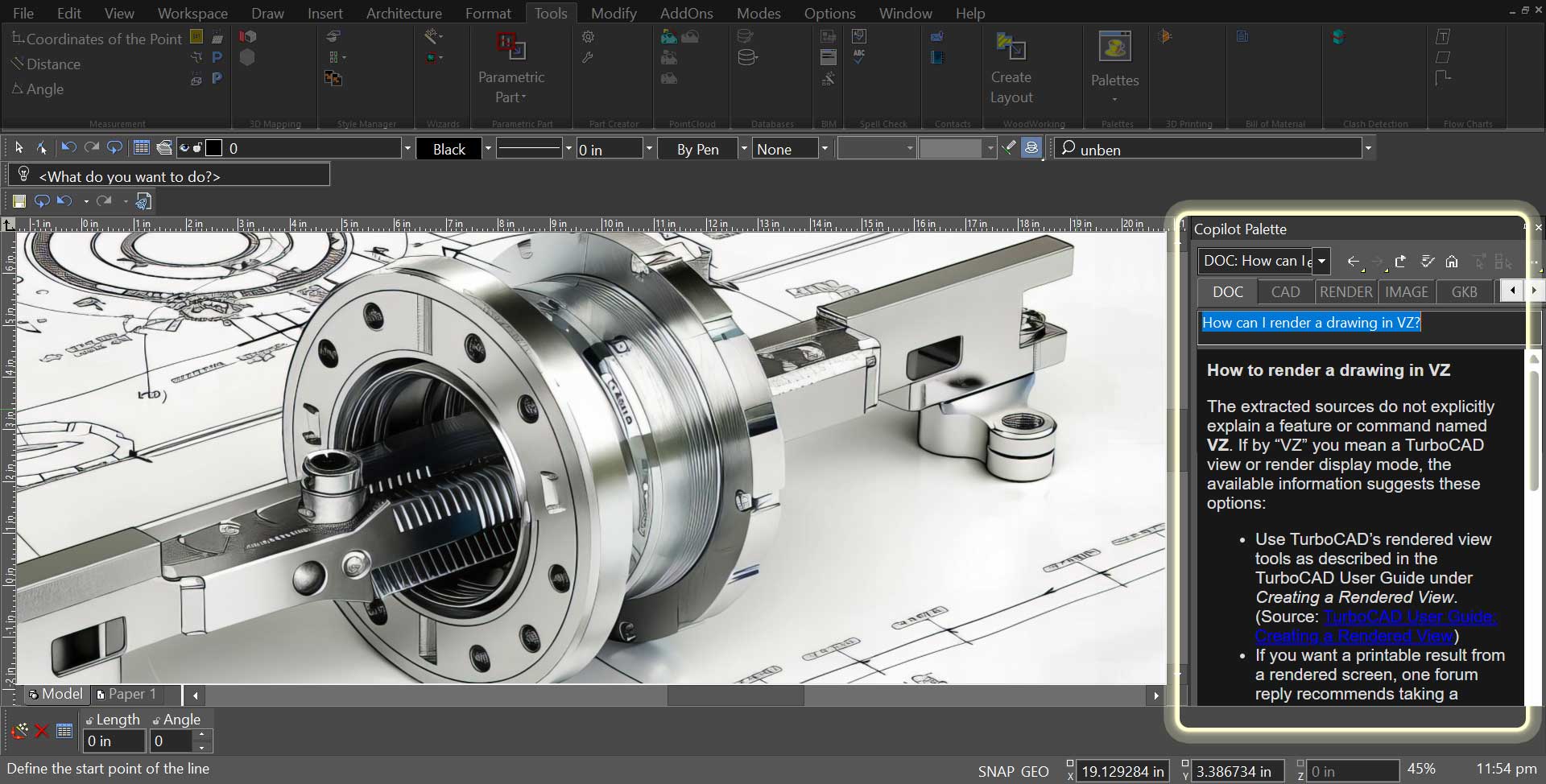
Copilot requests are organized through toggle‑based request‑type tabs, making it easy to define the kind of assistance needed before submitting a prompt.
Instead of relying on text prefixes, users select the appropriate category directly through tabs such as DOC, CAD, RENDER, IMAGE, GKB, PART, and PPT. This visual approach simplifies the workflow and removes the need to remember or type specific prefixes.
This design provides a clearer and more intuitive way to guide Copilot, helping deliver more relevant responses based on the selected request type while improving overall usability.
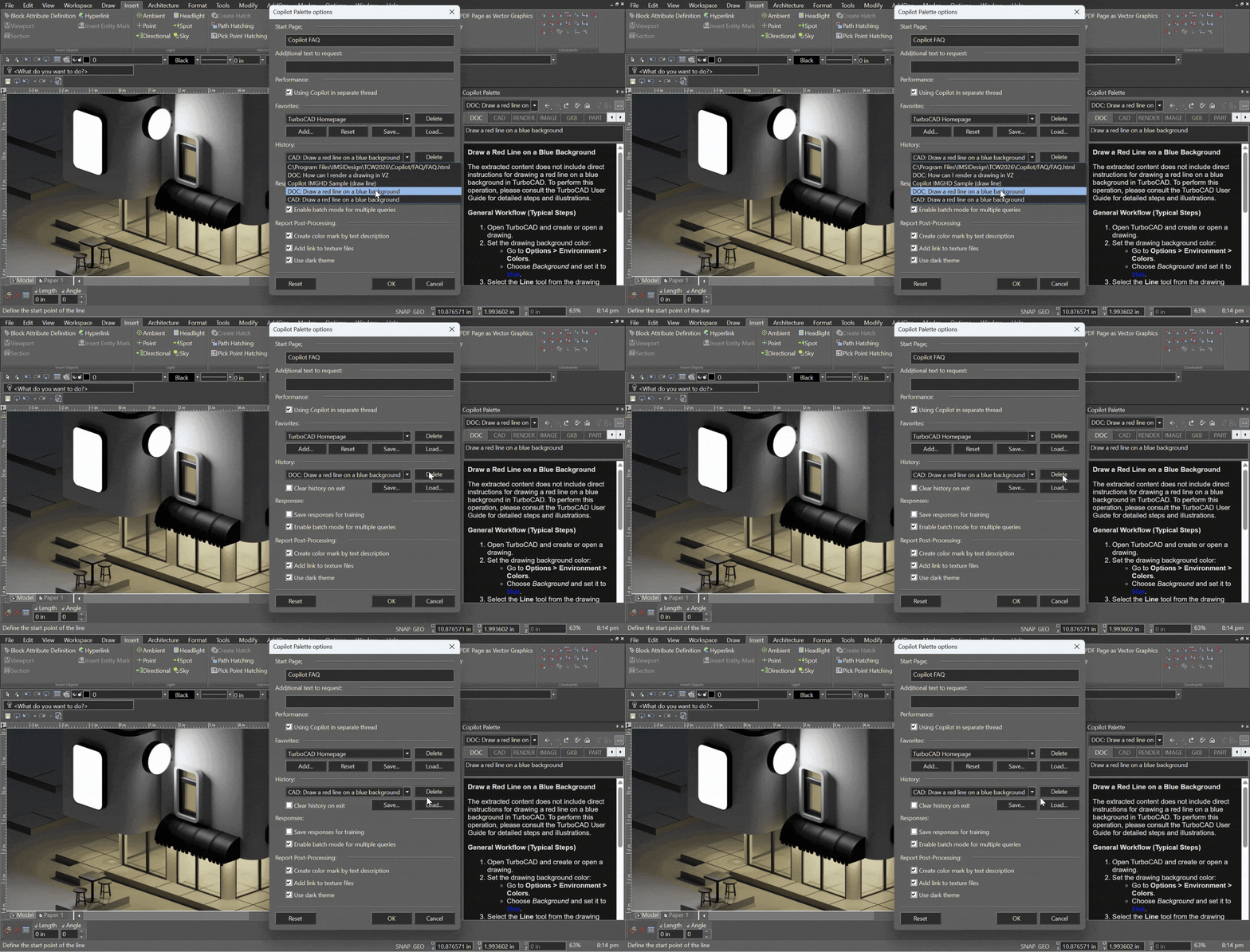
The Copilot Palette offers a simple way to view and manage previously opened links.
History items appear in a dropdown list, allowing users to return to earlier content quickly and without searching. When an entry is no longer needed, it can be removed using the Delete button, keeping the list focused and easy to work with.
The history can store up to 50 links, giving users more room when working across multiple Copilot queries and resources.
Windows
To run this add on, you must have TurboCAD® Windows 2026 Platinum, Professional, Deluxe or Designer installed. The system requirements of TurboCAD® Windows apply.
Mac
To run this add on, you must have TurboCAD® Mac 17 Platinum, Professional, Deluxe or Designer installed. The system requirements of TurboCAD® Mac apply.
Elite 2D/3D CAD Software
TurboCAD® for Windows offers versatile CAD tools for engineers, architects, designers, and hobbyists. With Platinum, Professional, Deluxe, and Designer versions, it suits all skill levels. Platinum includes advanced 3D modeling, ACIS® solids, and rendering. Professional combines 2D/3D design with strong file support. Deluxe is great for beginners or small businesses, while Designer is ideal for basic 2D drafting. With intuitive tools, tutorials, and wide file compatibility, TurboCAD® delivers precision and creativity for all your design needs.
Note: Multilingual Version (English, French, German). The installer includes additional languages, but some localizations are still in progress and may not function fully.
Animate your TurboCAD® designs.
AnimationLab Plug-in for TurboCAD® is easy-to-use software for creating professional-looking animations from your TurboCAD® designs. Use single click animation features to quickly enhance your work, or access high-end animation features for professional presentations.
Civil Design Suite for TurboCAD® is a plug-in that enhances your TurboCAD® Software (Deluxe, Pro or Platinum versions) with tools for road design and analysis, surveying and data collection, construction documentation, map production, storm and sanitary analysis and much more.
Unlock the full potential of your design process with Copilot, the AI-driven companion seamlessly integrated into TurboCAD®. This integrated AI tool streamlines navigation, expedites your project's progress, and enhances your design endeavors with insightful analysis. Copilot supports two levels: TurboCAD® Copilot Help and TurboCAD® Copilot Professional.
Animate your TurboCAD® designs.
AnimationLab Plug-in for TurboCAD® is easy-to-use software for creating professional-looking animations from your TurboCAD® designs. Use single click animation features to quickly enhance your work, or access high-end animation features for professional presentations.
Export TurboCAD® 3D Models to 3D PDF
The U3D and PDF 3D Plug-In, already included in TurboCAD® Platinum, is now available as an add-on for TurboCAD® Pro or Deluxe users. This Plug-In enables the Export of 3D models to U3D and PDF 3D Formats. These 3D objects can be interactively visualized using Acrobat Reader, allowing recipients to view and manipulate the models without needing specialized CAD software. Save and share your work in 3D PDF, accessible to anyone with the free Adobe® Acrobat Reader.
New: 64-bit for TurboCAD 2026 Platinum. Requires TurboCAD 2026 Platinum 64-bit, build 33.0.65.1 (2026.1) or later.
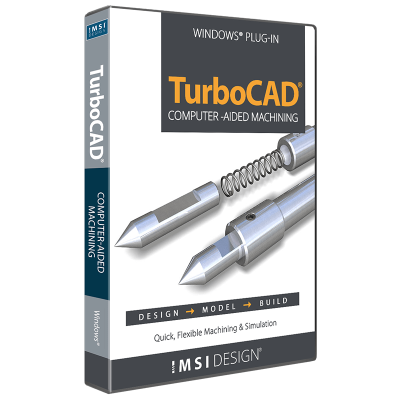
The Professional Machine Shop Solution
The CAM Plug-in for TurboCAD Platinum is the machinist’s choice for 2.5D CAD. This powerful plug-in generates native G-code for your machining equipment with no need for a post-processor. It includes a built-in communication module that allows you to set up your CNC controller effortlessly!
Analyze Deflection & Stresses
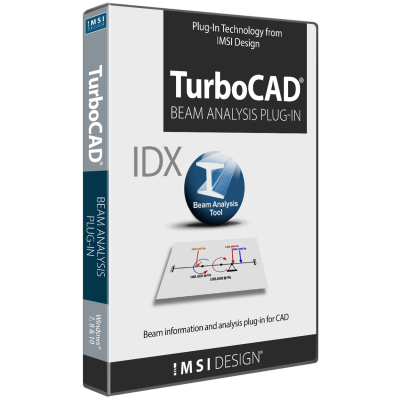
The Beam Analysis Tool is a Plug-In for TurboCAD® Platinum and Pro for Windows, offering comprehensive analysis of deflection and stresses on simply supported beams under direct forces. Its intuitive interface ensures immediate productivity, while advanced features provide flexibility in problem definition.
Enhanced Rendering Capabilities with RedSDK® Plug-in
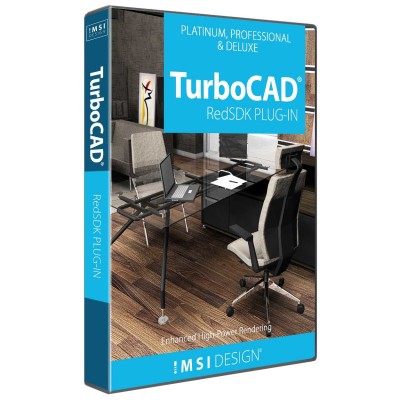
The RedSDK® Plug-in for TurboCAD® significantly enhances the program’s lighting, luminance, and photorealistic rendering capabilities, providing a more robust and high-powered rendering solution. Integrating directly with the TurboCAD® Material Editor and Design Director, this plug-in works exclusively with TurboCAD® Platinum, Pro, and Deluxe.
Quickly Create Repeating Patterns
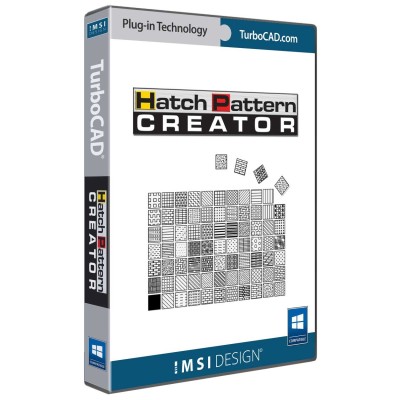
The Hatch Pattern Creator, already included in TurboCAD® Platinum and Pro, is now available as an add-on for TurboCAD® Deluxe and Designer users. Design and save repeating patterns. Enhance your designs with custom brush patterns.
Design and Build Custom Furniture with Precision & Ease
TurboCAD® Furniture Maker 23 is a versatile plug-in designed for TurboCAD® Deluxe, Pro, and Platinum. It streamlines the creation and production of custom cabinets and furniture, offering advanced size configuration, extensive material options, intuitive functionality, and specialized tools for ceiling design to bring your ideas to life.
Unlock the full potential of your design process with Copilot, the AI-driven companion seamlessly integrated into TurboCAD®. This integrated AI tool streamlines navigation, expedites your project's progress, and enhances your design endeavors with insightful analysis. Copilot supports two levels: TurboCAD® Copilot Help and TurboCAD® Copilot Professional.
Advanced Rendering Tools for Truly Realistic Results
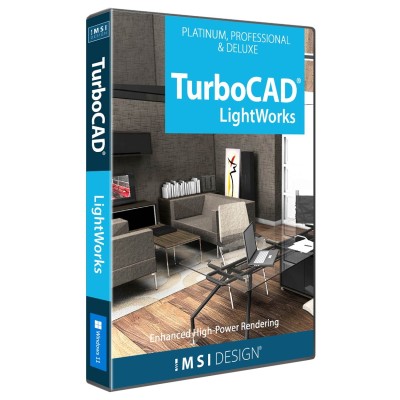
The LightWorks® Plug-in for TurboCAD® significantly improves lighting, luminance, and photorealistic rendering capabilities, resulting in more robust and high-powered renders. Integrating directly with the TurboCAD® Material Editor and Design Director, this plug-in works exclusively with TurboCAD® Platinum, Pro, and Deluxe.
Civil Design Suite for TurboCAD® is a plug-in that enhances your TurboCAD® Software (Deluxe, Pro or Platinum versions) with tools for road design and analysis, surveying and data collection, construction documentation, map production, storm and sanitary analysis and much more.