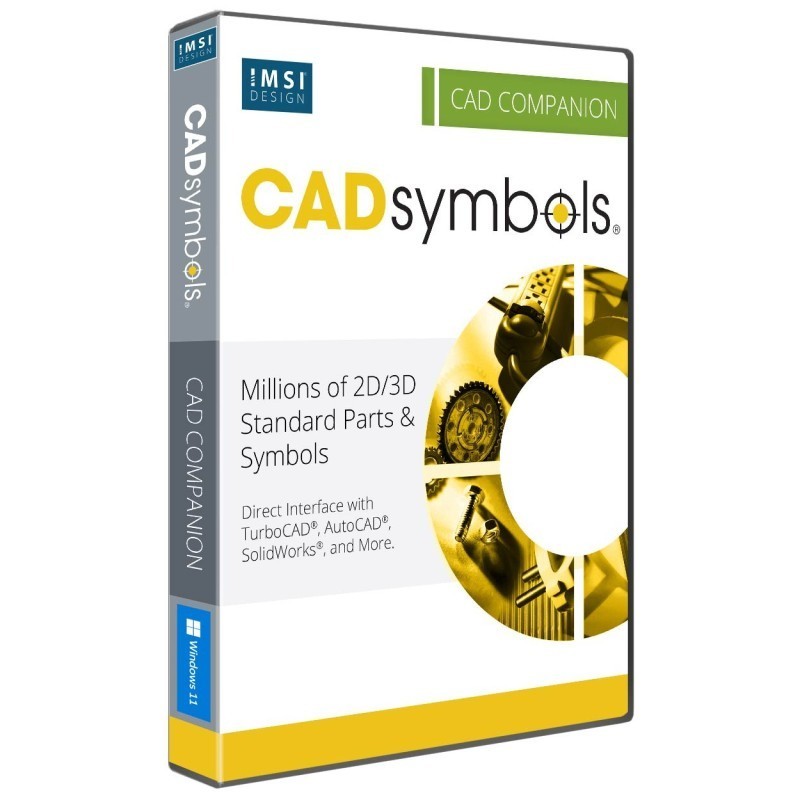
30+ Million Parts, Symbols and Models
CADsymbols® significantly boosts your productivity with over 30 million standard parts, symbols, and models for architectural, mechanical, electronic, and electrical drafting and design. This extensive library provides both 2D symbols and freely revolving 3D models, supporting both metric and imperial measurements, making it perfect for professionals who want to download complex symbols directly into their drawings instead of creating them from scratch.
Bought together with CADsymbols 20. Each is added as its own licence.
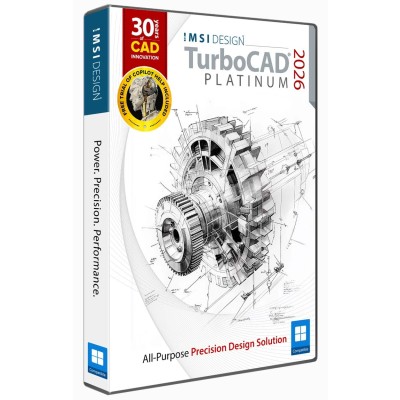
 TurboCAD 2026 Windows
$1,499.99
TurboCAD 2026 Windows
$1,499.99
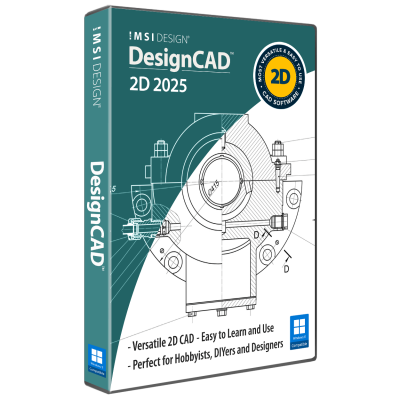
 DesignCAD 2025
$249.99
DesignCAD 2025
$249.99
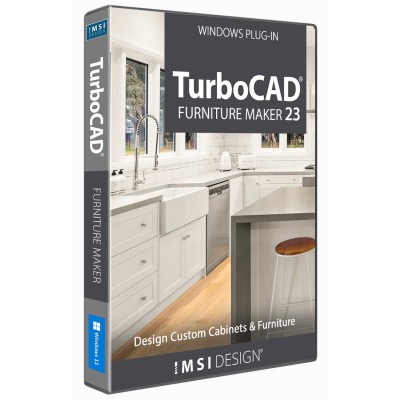
 TurboCAD Furniture Maker 23
$299.99
TurboCAD Furniture Maker 23
$299.99
 LightWorks Plug-in for TurboCAD
$199.99
LightWorks Plug-in for TurboCAD
$199.99
CADsymbols® includes an unparalleled collection of standard parts, symbols, and models for drafting and design. Order CADsymbols® today and enhance your design and drafting productivity at a highly affordable price. Order CADsymbols® today and experience unparalleled productivity in your drafting and design projects.
This incredible library offers 2D symbols and freely revolving 3D models for various drafting and design needs, supporting both metric and imperial measurements. It is ideal for professionals who want to directly download complex symbols into their drawings instead of creating them from scratch.
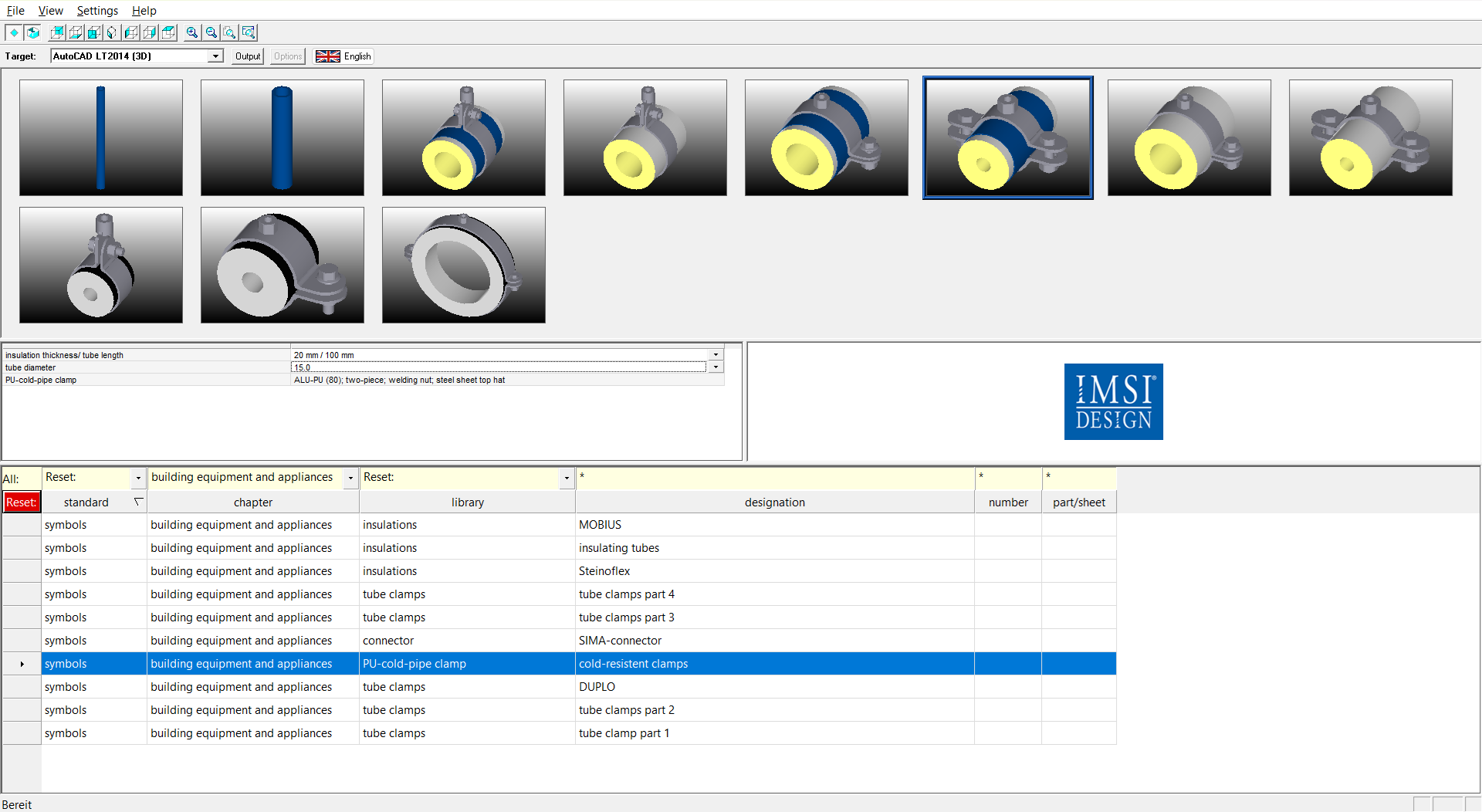
Productivity Across Industries
CADsymbols® allows for the direct insertion of symbols into numerous popular CAD applications. These include TurboCAD® Windows , AutoCAD® (including LT®, Architecture, and Mechanical & Architectural Desktop), CATIA®, Inventor®, SolidWorks®, Solid Edge®, IntelliCAD®, ProE®, VectorWorks®, and many more. See the Key Features section for a complete list.
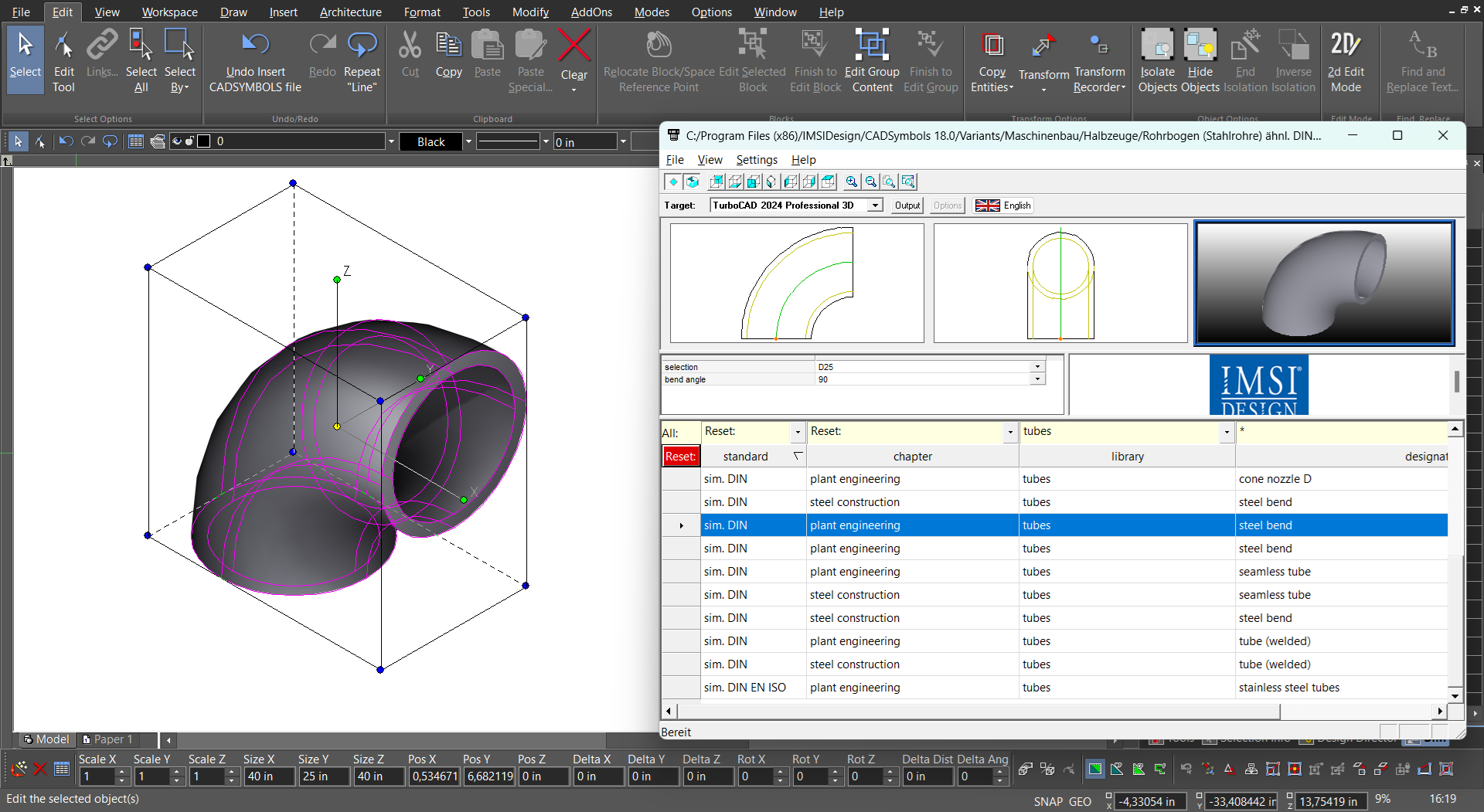
Direct Interface with Popular CAD Applications
For additional flexibility, you can save symbols and import them into your drawings in various vector and bitmap formats, such as DXF, DWG, DWF, SVG, BMP, JPG, PNG, and TIF. See the Key Features section for a complete list.
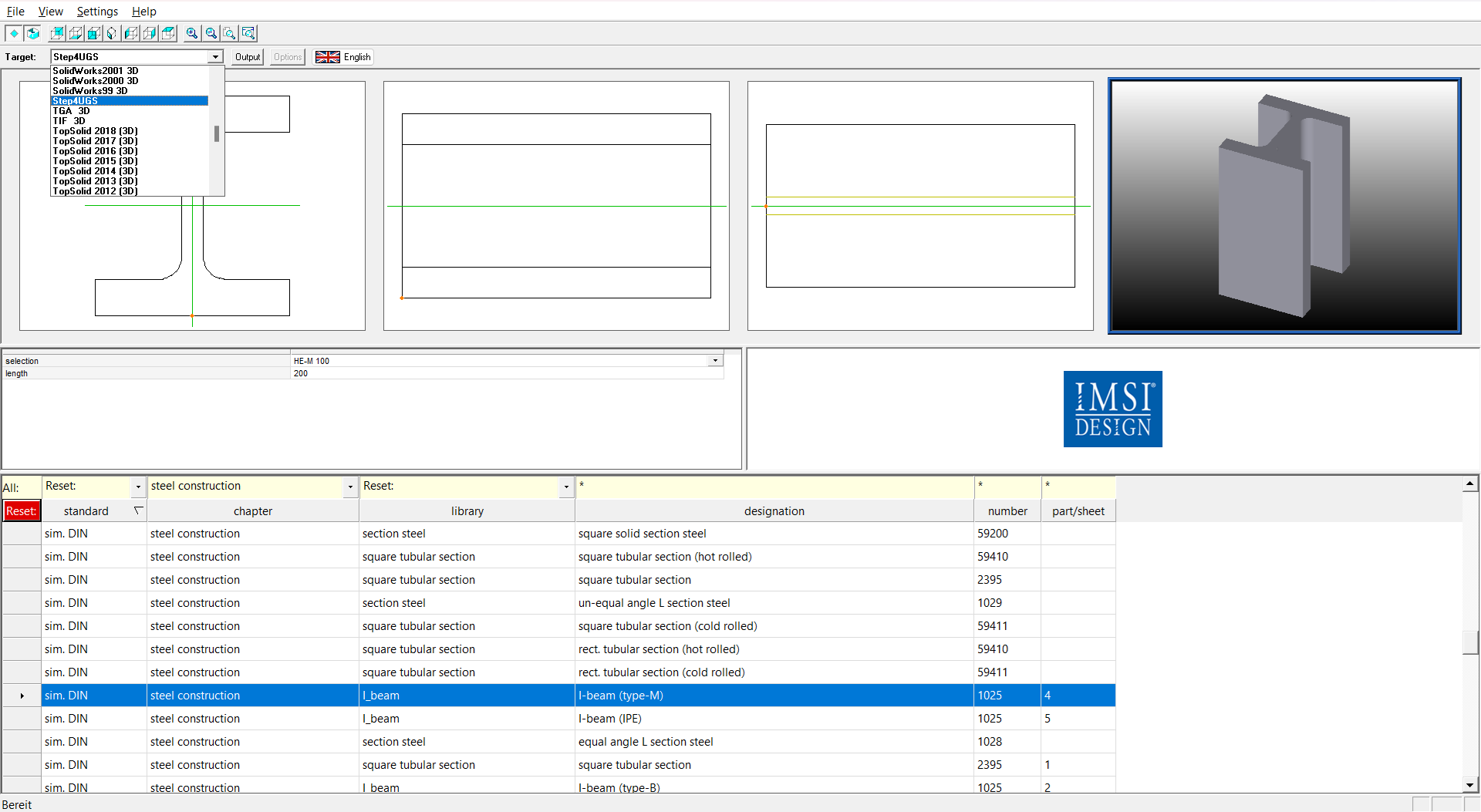
Save Symbols to Popular CAD And Graphic File Formats
Once you have selected the CAD application or file format, choose whether to use 2D or 3D symbols. Then, select the drawing standard you want to work with (such as ANSI or ISO). Choose the industry the design is for (Architecture, Plant Engineering, etc.) and refine your search further into relevant symbol categories and sub-categories within that industry.
Our Maintenance & Support plans are valid for one year from the date of purchase and can be extended annually. These plans provide access to Technical Support and Software and Maintenance Updates (Patches). We highly recommend extending the maintenance plan to ensure continuous access to the latest updates and support. Maintenance & Support Renewal is available for versions up to 5 years old.
*See our Licensing and Sales Policies for further information.
Elite 2D/3D CAD Software
TurboCAD® for Windows offers versatile CAD tools for engineers, architects, designers, and hobbyists. With Platinum, Professional, Deluxe, and Designer versions, it suits all skill levels. Platinum includes advanced 3D modeling, ACIS® solids, and rendering. Professional combines 2D/3D design with strong file support. Deluxe is great for beginners or small businesses, while Designer is ideal for basic 2D drafting. With intuitive tools, tutorials, and wide file compatibility, TurboCAD® delivers precision and creativity for all your design needs.
Note: Multilingual Version (English, French, German). The installer includes additional languages, but some localizations are still in progress and may not function fully.
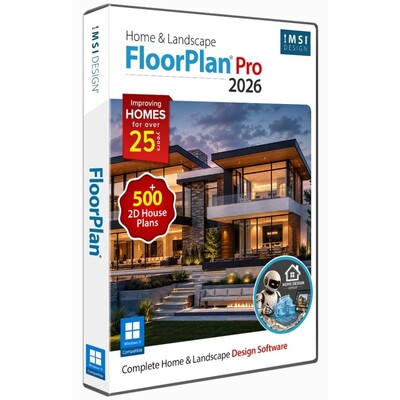
FloorPlan® offers an intuitive set of tools for homeowners, designers, and DIYers. Whether remodeling, designing your dream home, or planning outdoor spaces, FloorPlan® makes it easy with drag-and-drop simplicity. Choose from Pro, Deluxe, Instant Architect, or Express—each designed to turn ideas into reality. No experience needed—just start designing with powerful features like cost estimation, step-by-step guides, and 3D visualization. FloorPlan® is your perfect partner for any home design project.
DesignCAD™ offers powerful yet easy-to-use 2D/3D CAD tools for beginners, hobbyists, and professionals. DesignCAD™ 3D Max combines intuitive 2D drafting with advanced 3D modeling, rendering, animation, and 3D printing support—ideal for both learning and pro projects. It supports AutoCAD® files for smooth compatibility. For 2D-focused users, DesignCAD™ 2D Express provides a simple interface with hundreds of drafting tools, perfect for technical drawings and layouts. DesignCAD™ helps bring your ideas to life with precision and ease.
Design and Build Custom Furniture with Precision & Ease
TurboCAD® Furniture Maker 23 is a versatile plug-in designed for TurboCAD® Deluxe, Pro, and Platinum. It streamlines the creation and production of custom cabinets and furniture, offering advanced size configuration, extensive material options, intuitive functionality, and specialized tools for ceiling design to bring your ideas to life.
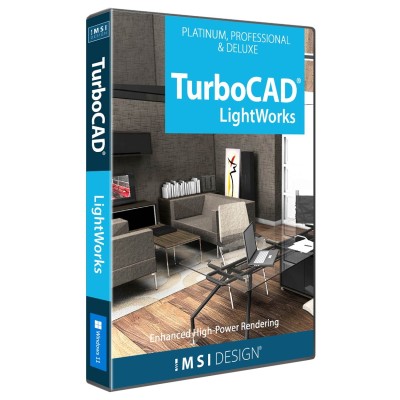
Advanced Rendering Tools for Truly Realistic Results
The LightWorks® Plug-in for TurboCAD® significantly improves lighting, luminance, and photorealistic rendering capabilities, resulting in more robust and high-powered renders. Integrating directly with the TurboCAD® Material Editor and Design Director, this plug-in works exclusively with TurboCAD® Platinum, Pro, and Deluxe.
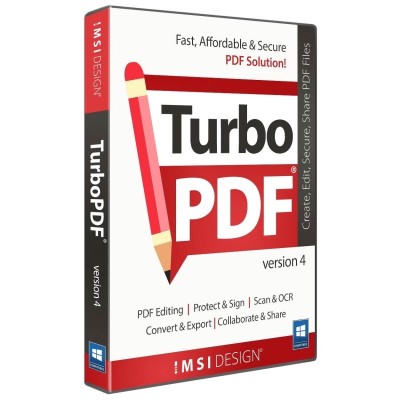
Fast, Affordable, and Secure PDF Solution
TurboPDF 4 is a feature-rich PDF solution that can be used to produce professional-looking PDF documents quickly, affordably, and securely. Create, view, and edit PDF documents, scan and OCR, mark up, convert and export to multiple formats, encrypt to secure, digitally sign, and more.
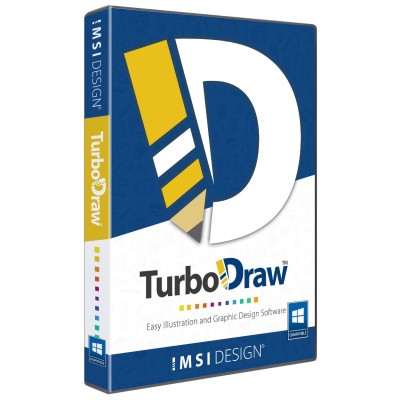
TurboDraw™ is a powerful graphic design platform for PC, built to create stunning visuals with ease. Packed with intuitive tools such as Bézier editing, shape blending, SVG import/export, and full layer support, the software enables efficient design workflows and professional-quality artwork. Designed for both aspiring artists and seasoned illustrators, TurboDraw™ includes advanced drawing tools, artistic strokes, rich textures, and smart effects. The streamlined interface supports flexible editing—from sketching and slicing to publishing polished results.
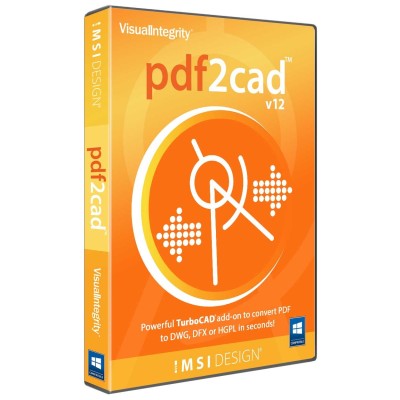
Convert PDF to DWG, DXF, or HPGL — Fast and Precisely
pdf2cad is a robust and efficient tool designed to convert 2D vector PDFs, EPS, and Adobe Illustrator files into fully editable CAD drawings. With just a few clicks, you can transform complex designs into accurate DWG, DXF, or HPGL files—eliminating the need for manual redrawing and saving hours of valuable time.