
Time Saving eBook for Beginners and Advanced Users
With over 280 fully illustrated tips, TurboCAD® Mac Tips, Tutorials, and Techniques is the go to eBook for quickly answering the most frequently asked questions about TurboCAD® Mac. Whether you are new to computer-aided design, or an experienced CAD user, this valuable training provides insights into the program so you can do more in less time.
TurboCAD® Mac Tips, Tutorials, and Techniques is an eBook that puts you on the fast track to learning TurboCAD® Mac, and provides valuable insights for experienced TurboCAD® Mac users. Filled with helpful tips from the program’s creator, you'll learn how to use the software in the best possible way, increasing your productivity.
Discover insights for everything from beginning to advanced applications:
.jpg)
Minimum System Requirements
Windows
Windows® XP, Windows Vista®, Windows® 7, Windows® 8, Windows® 10, or Windows® 11, 30 MB Free Hard Drive Space, Internet Connection required¹, PDF Reader software required², Keyboard, and Mouse
Macintosh
Macintosh® OS X 10.7 or higher, 30 MB Free Hard Drive Space, Internet connection required¹, PDF Reader software required², Keyboard, and Mouse.
Mobile
Apple® iOS Phone and Tablet Devices, Android™ Phone and Tablet Devices, and Windows® Phone and Tablet Devices with 30 MB of available storage space and PDF Reader support.
¹ User is responsible for all Internet access fees and phone charges.
² Supports most common PDF reader software.
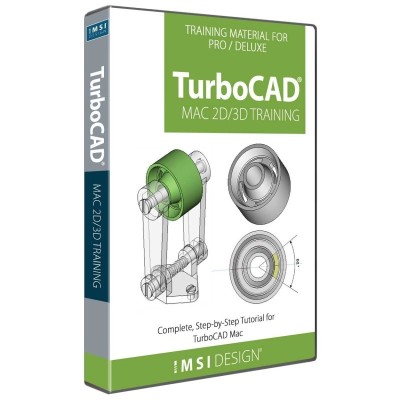
Complete, Step-by-Step Tutorials for TurboCAD® Mac
This Guide is presented in a Tutorial format, allowing the user to follow the step-by-step instructions from concept to completion. This Guide is structured in a Tutorial Session and Task format and each session contains both a 2D Sketch and a 3D Model of the same design.