
Visualizing a home renovation or interior design idea has traditionally required advanced design skills, professional...
TurboCAD 2026 is here. Upgrade from any earlier version and save.
See upgrade prices →
Questions? [email protected]
Latest posts
-
 Turn Your Ideas into Stunning Home Designs with Copilot Image StudioRead more
 -
 Create Realistic Home Renderings with Reference Images in Home Design CopilotRead more
Reference images help transform ideas and inspirations into more accurate and personalized designs. With Home Design...
-
 Home Design Help in Copilot: Find Answers and Solutions FasterRead more
Home Design Help in Copilot is a powerful assistance feature designed to help users get quick guidance and support...
-
 Understanding Design Preservation in Home Design Copilot Image StudioRead more
Home Design Copilot Image Studio gives you precise control over how closely AI-generated images follow your original...
-
 From Ideas to Solutions: Using General Questions in Home Design CopilotRead more
Designing a home often begins with questions. Whether you’re planning a new house, renovating a room, choosing...
-
 Exploring Input Options in Home Design Copilot Image StudioRead more
Home Design Copilot’s Image Studio provides a powerful and flexible set of input options that allow you to generate...
-
 Enhancing User Experience with Light and Dark Theme Options in Home DesignRead more
The Light and Dark Theme feature in Home Design application allows you to customize the appearance of the interface...
-
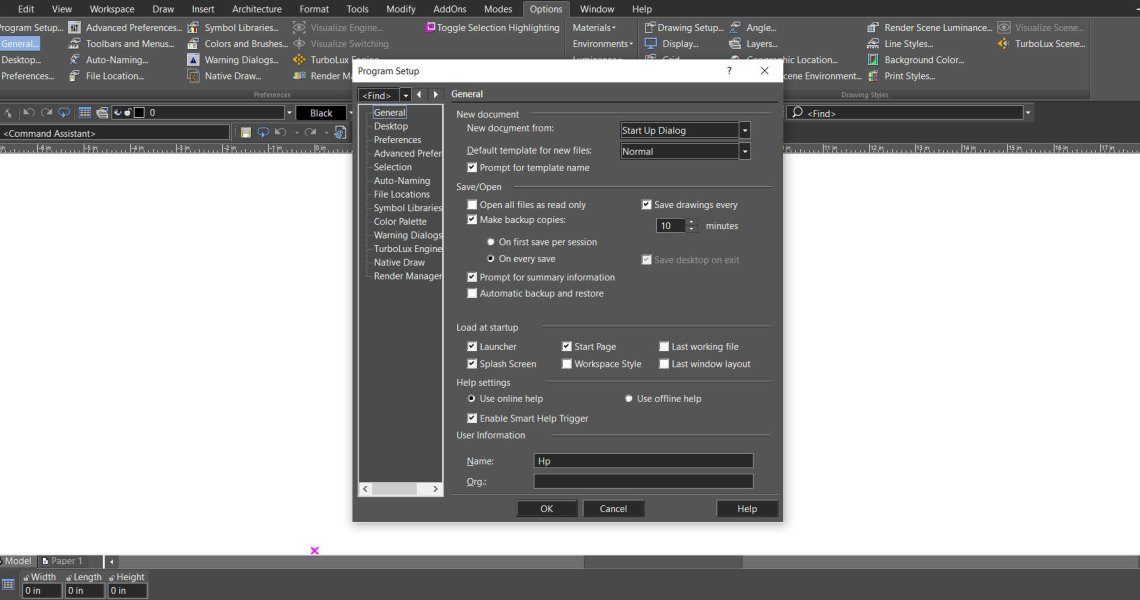 Copilot Palette: Smart Help TriggerRead more
Looking something up usually means breaking off what you were doing. Smart Help Trigger removes that step. With the...
-
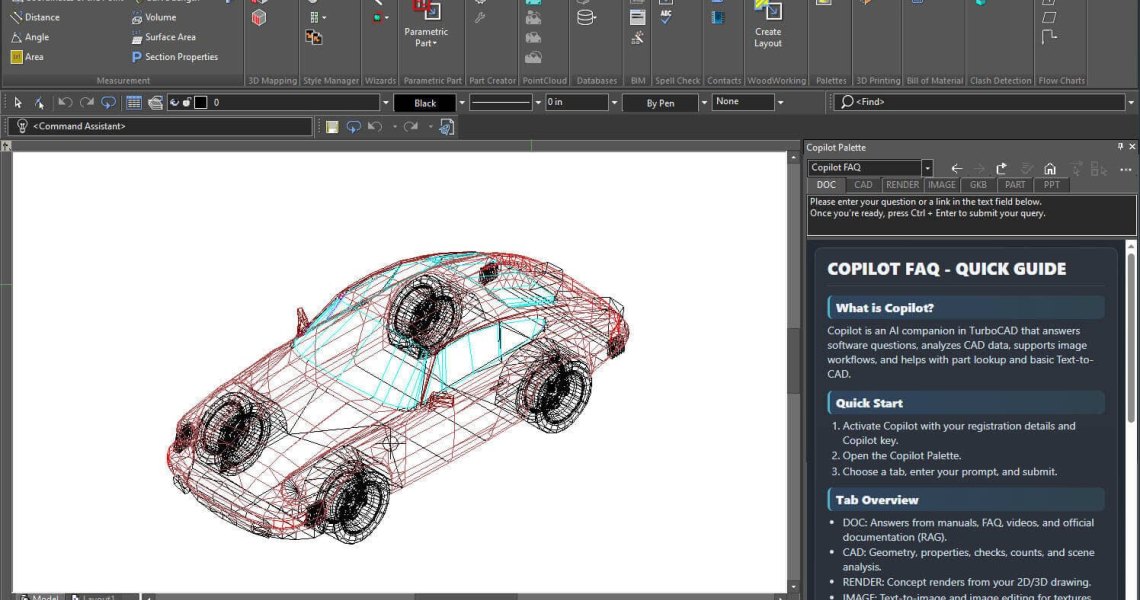 Conceptual Visualization from Your CAD Model with Copilot RenderRead more
There is usually a gap between a drawing that is technically finished and one a client can react to. Copilot Render...
-
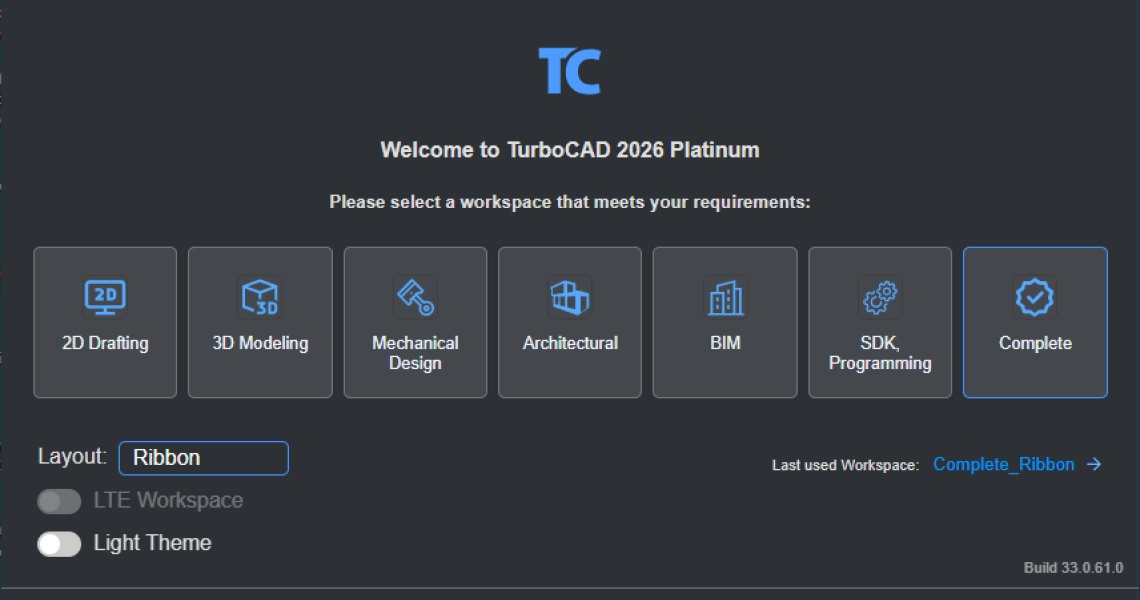 How to Customize and Manage TurboCAD WorkspacesRead more
Most drawing sessions only ever touch a fraction of what TurboCAD can do. A mechanical part and a floor plan need...
Blog categories
Search in blog
Learning How to Use TurboCAD
As a TurboCAD owner, If you want to learn either about how to use TurboCAD or learn more about how to use it more effectively, you have numerous options open to you.
Beyond reading either the PDF manual or the online User Guide, learning resources are available to you in a multitude of media and formats.
If video is your thing, you can browse the TurboCAD Design Group channel, where you will find over 200 videos for both TurboCAD for Windows and for the Mac - https://www.youtube.com/user/IMSIDesign In this channel you will find videos covering all facets of 2D drafting and 3D modeling, as well as others which teach about some of the TurboCAD plug-ins such as Animation Lab.
One of the best place to learn and ask questions about TurboCAD is to sign-up to be a member of the TurboCAD Forum. The TurboCAD Forum is a cornerstone of our TurboCAD community with active Forum participants who’ve been there helping new users for decades! Got a question about 3D Modeling or LightWorks rendering? Check in with Henry Hubich. Want to learn about getting the most out of REDsdk then speak with Majo. Trying to create an eye-popping 3D animation with Animation Lab, pose a question to Alan H. The Forum is also a good place to learn about developing plug-ins to TurboCAD, using TurboCAD’s SDK. Don’t be shy, join the TurboCAD Forum today! http://forums.turbocad.com/
And finally, TurboCAD.com contains several fine training guides and tutorials for both 2D and 3D. These learning tools are available as multimedia downloads, online courseware and as PDF tutorials. Val Carter has been providing many of these to TurboCAD Windows and now Mac users for over 15 years and she’s now working on German versions of her popular TurboCAD Windows Training Guides!
Related posts
-
Conceptual Visualization from Your CAD Model with Copilot Render
There is usually a gap between a drawing that is technically finished and one a client can react to. Copilot Render...Read more
-
How to Customize and Manage TurboCAD Workspaces
Most drawing sessions only ever touch a fraction of what TurboCAD can do. A mechanical part and a floor plan need...Read more
-
Copilot Palette: Smart Help Trigger
Looking something up usually means breaking off what you were doing. Smart Help Trigger removes that step. With the...Read more
-
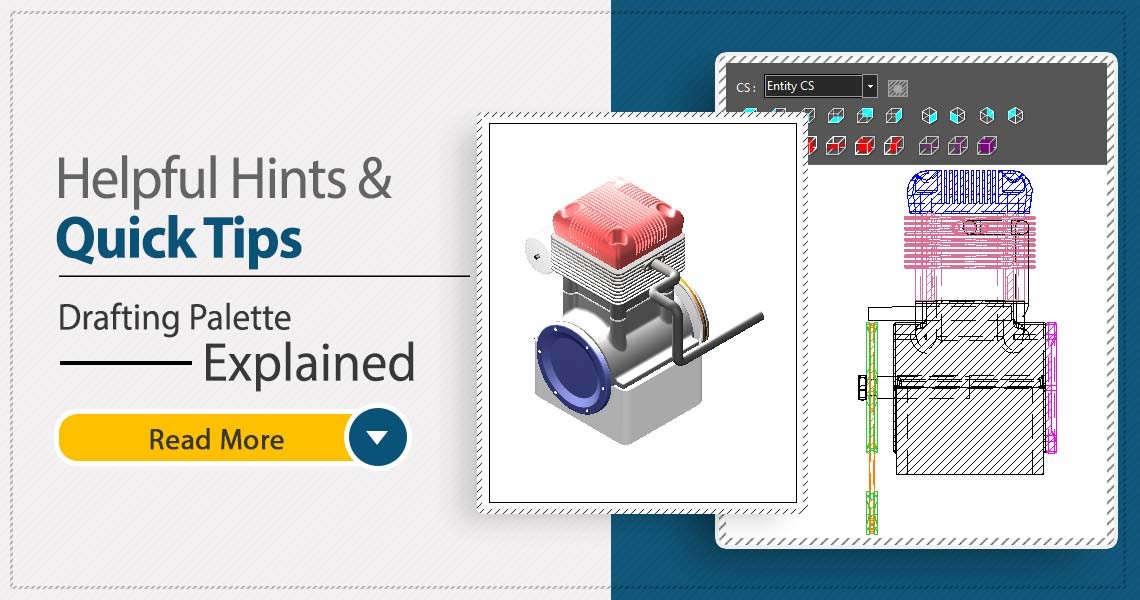 TurboCAD Drafting Palette: A Powerful Tool for 2D Documentation
One of the most powerful, yet least known tools in professional versions of TurboCAD is the Drafting Palette. The...Read more
TurboCAD Drafting Palette: A Powerful Tool for 2D Documentation
One of the most powerful, yet least known tools in professional versions of TurboCAD is the Drafting Palette. The...Read more -
 TurboCAD for AutoCAD Users
Once you’ve made the decision to use TurboCAD, this guide will help you get started by outlining the few differences...Read more
TurboCAD for AutoCAD Users
Once you’ve made the decision to use TurboCAD, this guide will help you get started by outlining the few differences...Read more
Leave a comment