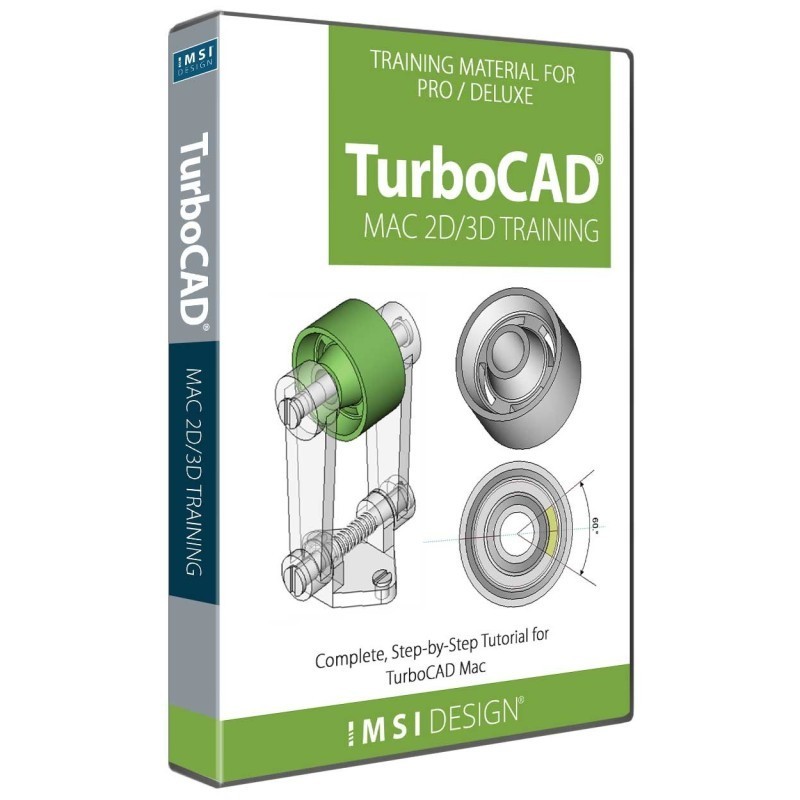
Complete, Step-by-Step Tutorials for TurboCAD® Mac
This Guide is presented in a Tutorial format, allowing the user to follow the step-by-step instructions from concept to completion. This Guide is structured in a Tutorial Session and Task format and each session contains both a 2D Sketch and a 3D Model of the same design.
Bought together with TurboCAD Mac 2D/3D Training Guides. Each is added as its own licence.
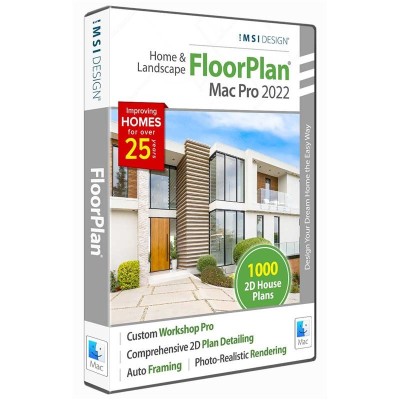
 FloorPlan 2022 Home & Landscape - Mac
$279.99
Add
FloorPlan 2022 Home & Landscape - Mac
$279.99
Add
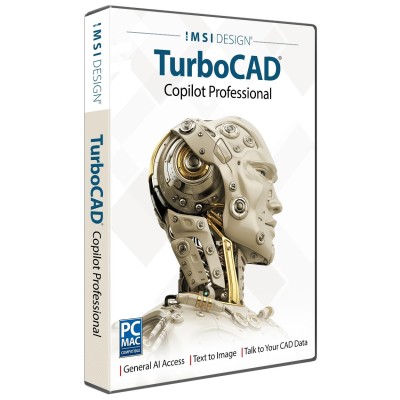
 TurboCAD Copilot Professional
$299.99
Add
TurboCAD Copilot Professional
$299.99
Add
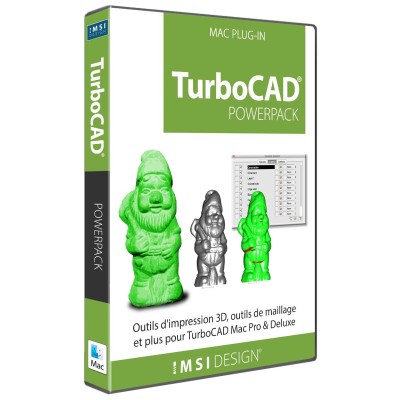
 PowerPack Term License (1 Year)
$199.99
Add
PowerPack Term License (1 Year)
$199.99
Add
This multimedia Training program aims to provide the TurboCAD® Mac user with a comprehensive learning tool which spans 2D drawing and 3D design.
This Guide is presented in a Tutorial format, allowing the user to follow the step-by-step instructions from concept to completion. All the Tutorial content in this Guide contains designs which instruct how to create 2D geometry in order to produce 3D solid models in fluid start-to finish tutorials.
Each Session contains an Introduction Sheet which illustrates in detail the sketch or model which will be produced during the Session, complete with important information, estimated session duration and a fully completed drawing sample of the session. The drawing sample can be opened using your TurboCAD® Mac software.
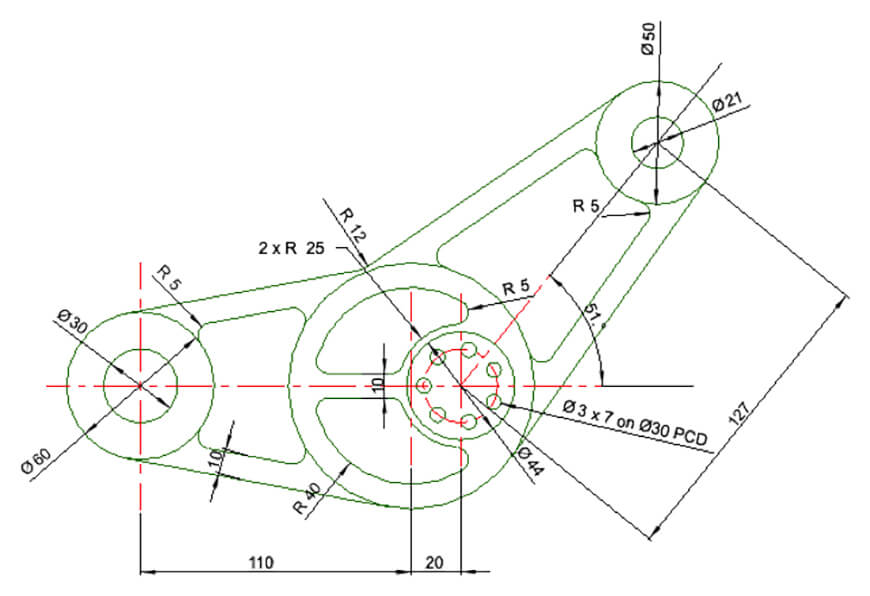
10 fully detailed sections on all the tools most frequently used in any 2D or 3D Design. Some of these include:
Also includes 16 self-paced Work sessions containing the 2D Sketch and 3D Model of the same design. Each Worksheet contains detailed, colorful instructions on how to complete each task, including full animations per task. Each task contains full instructions in an animated, video format. Pause, rewind or fast-forward your videos while you draw. Drag the movie to another screen and use the instructions on your laptop to produce the designs and the movie on the second screen to check your progress.
Progress through each session at your own pace, repeating any task as many times as necessary until you are ready to move to the next design. Tutorials 4 to 8 contain a full 5-part component to assembly design, progressively building the design with each tutorial. Access the TurboCAD Forum and Online User Guides for additional information from within your Training Guide. Get expert support from our Team from within your Training Guide.
Sweeping a circle along a path to create the helix. Creating a Pipe from a single line to form an axis.
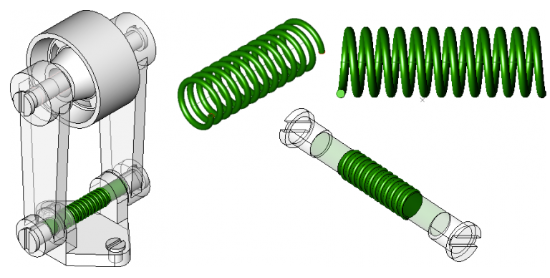
Using the Lathe tool to create a solid.
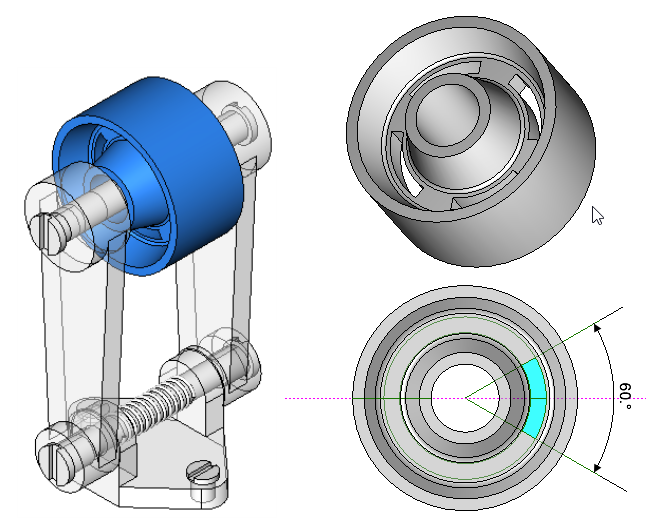
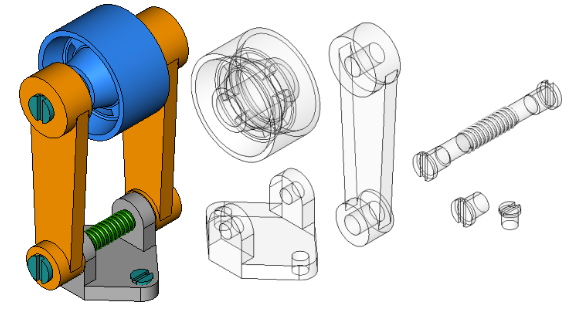
Learn how to design using the component-assembly method commonly used in industry. Assemble multiple parts in the same design and to create a highly organized drawing with Layers and Sub-Layers allowing complete control over each component.
Minimum System Requirements
Additional Notes
Powerful Home & Landscape Design for Mac
FloorPlan® Pro is a powerful, professional home and landscape design solution for Windows Desktops. With no experience required, simply drag and drop to plan every phase of your dream home and outdoor living space including cost estimation tools.
Complete Home & Landscape Design
FloorPlan® is a complete, easy-to-use home and landscape design solution for Windows Desktops. No experience required! Simply drag and drop and FloorPlan® does the work for you so you can focus on the final design.
Unlock the full potential of your design process with Copilot, the AI-driven companion seamlessly integrated into TurboCAD®. This integrated AI tool streamlines navigation, expedites your project's progress, and enhances your design endeavors with insightful analysis. Copilot supports two levels: TurboCAD® Copilot Help and TurboCAD® Copilot Professional.
Enhanced 3D Printing and Modeling Tools
The TurboCAD® Mac PowerPack is an extensive add-on for TurboCAD® Mac Pro and TurboCAD® Mac Deluxe 2D/3D*. The TurboCAD® Mac PowerPack introduces a suite of 3D printing, verification, and repair tools into your CAD workflow.
* TurboCAD® Mac PowerPack is included in TurboCAD® Mac Platinum.
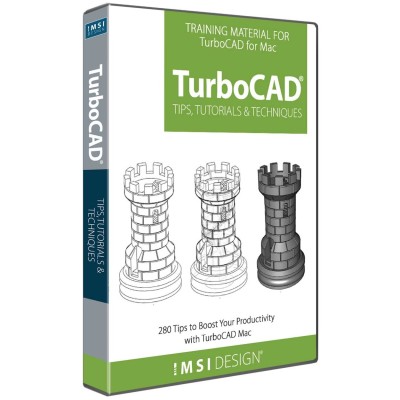
Time Saving eBook for Beginners and Advanced Users
With over 280 fully illustrated tips, TurboCAD® Mac Tips, Tutorials, and Techniques is the go to eBook for quickly answering the most frequently asked questions about TurboCAD® Mac. Whether you are new to computer-aided design, or an experienced CAD user, this valuable training provides insights into the program so you can do more in less time.