TurboDraw™ is a powerful graphic design platform for PC, built to create stunning visuals with ease. Packed with intuitive tools such as Bézier editing, shape blending, SVG import/export, and full layer support, the software enables efficient design workflows and professional-quality artwork. Designed for both aspiring artists and seasoned illustrators, TurboDraw™ includes advanced drawing tools, artistic strokes, rich textures, and smart effects. The streamlined interface supports flexible editing—from sketching and slicing to publishing polished results.
Bought together with TurboDraw. Each is added as its own licence.
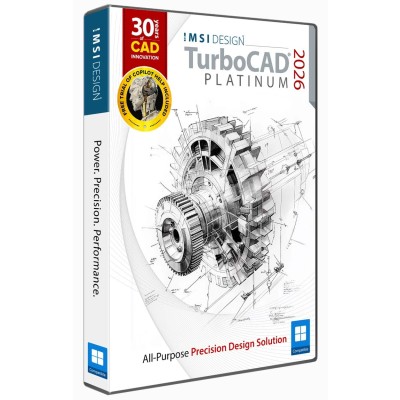
 TurboCAD 2026 Windows
$1,499.99
Add
TurboCAD 2026 Windows
$1,499.99
Add
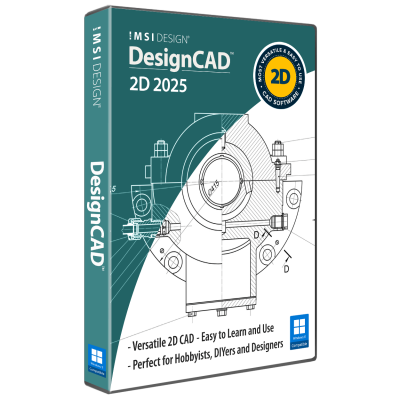
 DesignCAD 2025
$239.99
Add
DesignCAD 2025
$239.99
Add
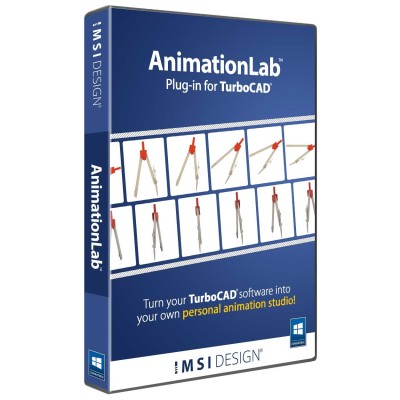
 Animation Lab Plug-in For TurboCAD
$199.99
Add
Animation Lab Plug-in For TurboCAD
$199.99
Add
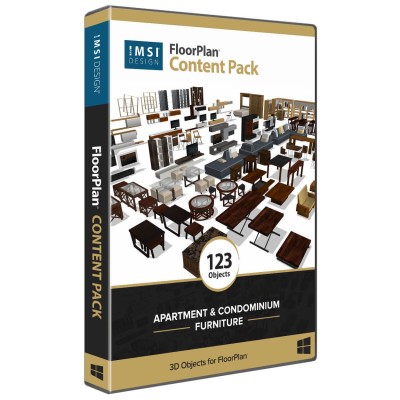
 FloorPlan Content Pack - Apartment and Condominium Furniture
$49.99
Add
FloorPlan Content Pack - Apartment and Condominium Furniture
$49.99
Add
TurboDraw™ supports both original design workflows and template-based projects, providing reliable creative output without requiring prior experience.
Layer functionality allows greater control over complex compositions. Each element within a design can be isolated for individual adjustment, enabling precise edits without affecting surrounding components. This improves organization, editing efficiency, and creative flexibility.
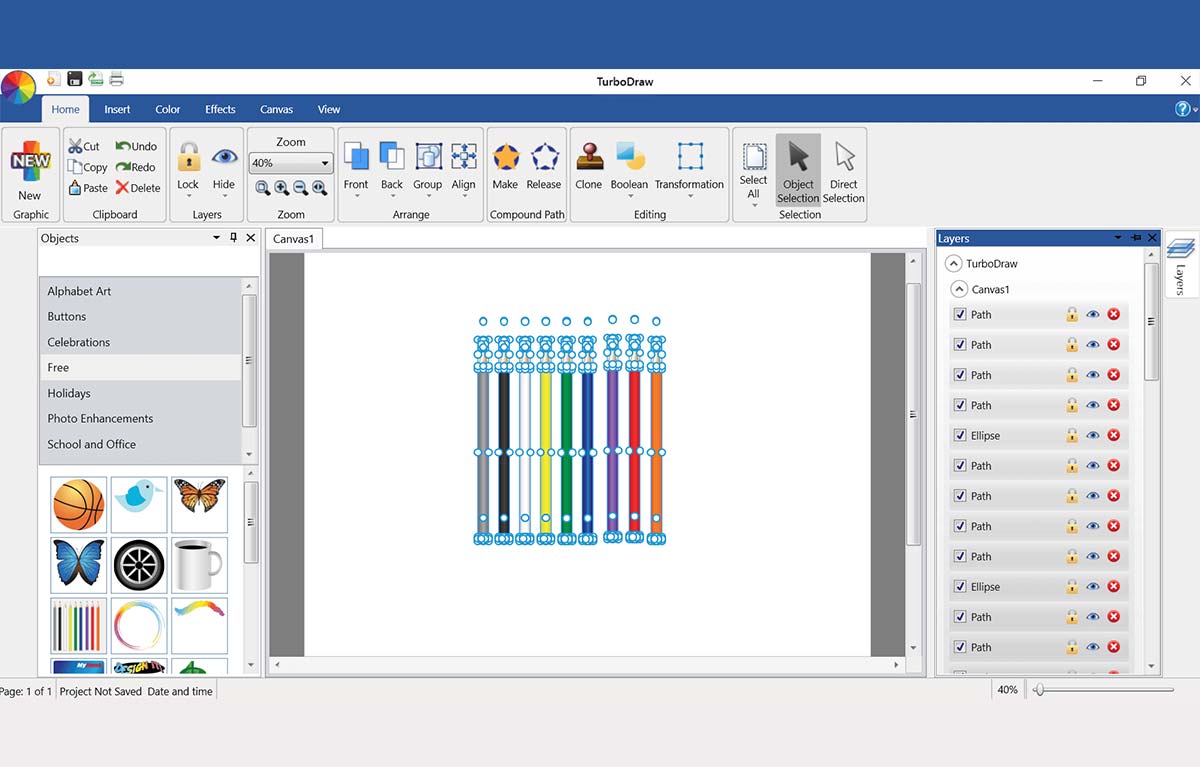
Drafting Palette
Boolean tools enable the merging or subtraction of shapes to generate new forms. This allows for the creation of tailored graphics without manual redrawing, supporting geometric precision and efficient workflow in visual design.
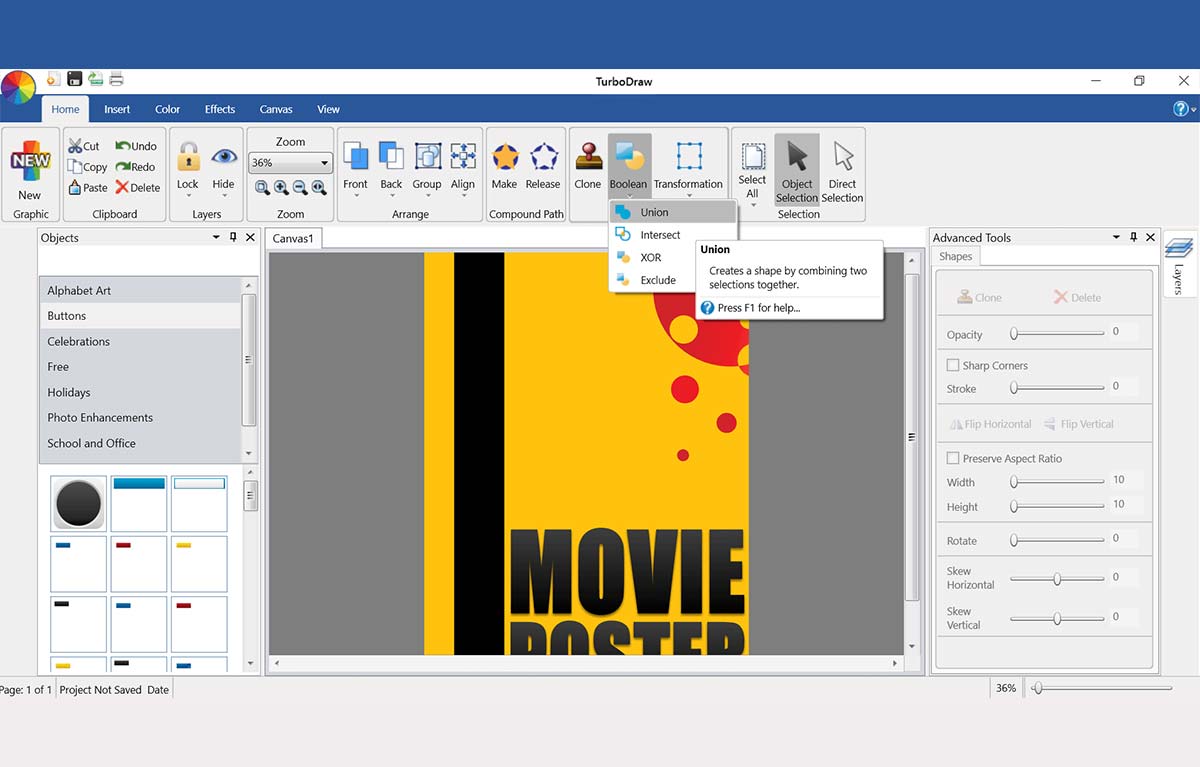
Boolean Operations
Text can be aligned to custom paths and curves, opening possibilities for dynamic typography. This enhances visual storytelling and enables creative typographic arrangements suited to logos, banners, or decorative layouts.
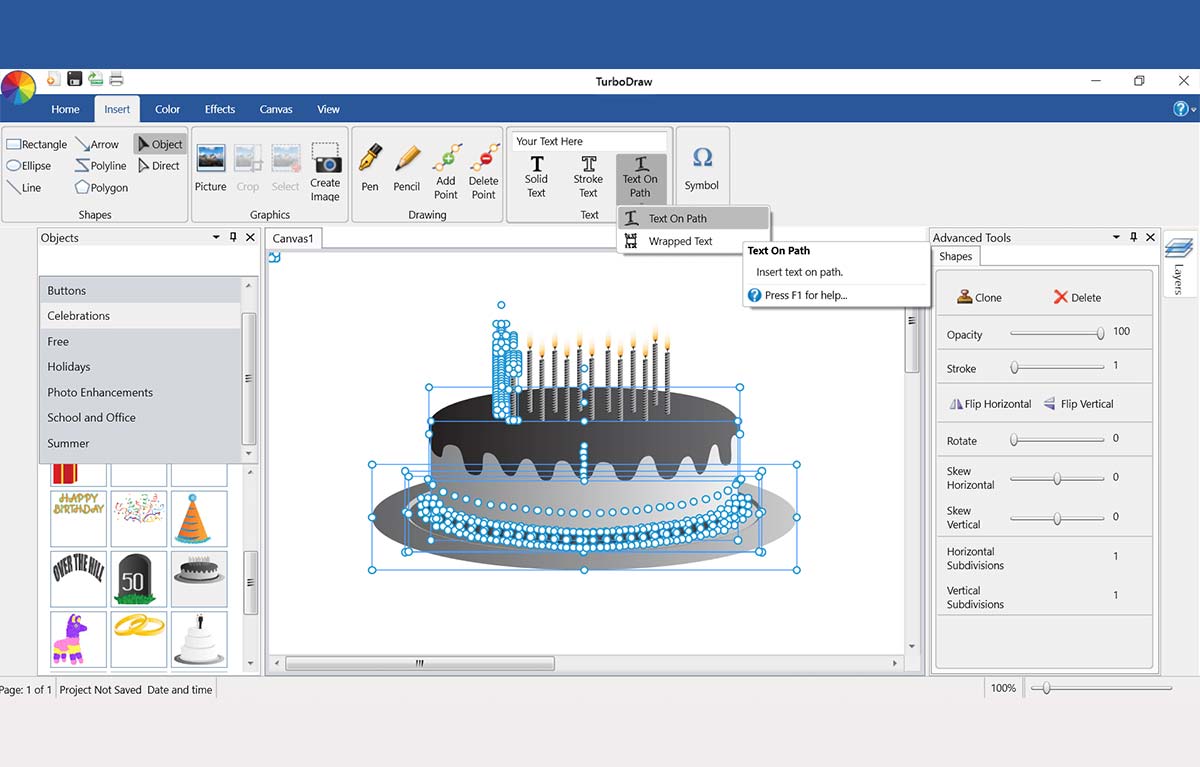
Text Art
The slicing feature allows sections of graphics to be cut and rearranged. This provides control over layout and spatial arrangement, enabling creative experimentation with visual composition.
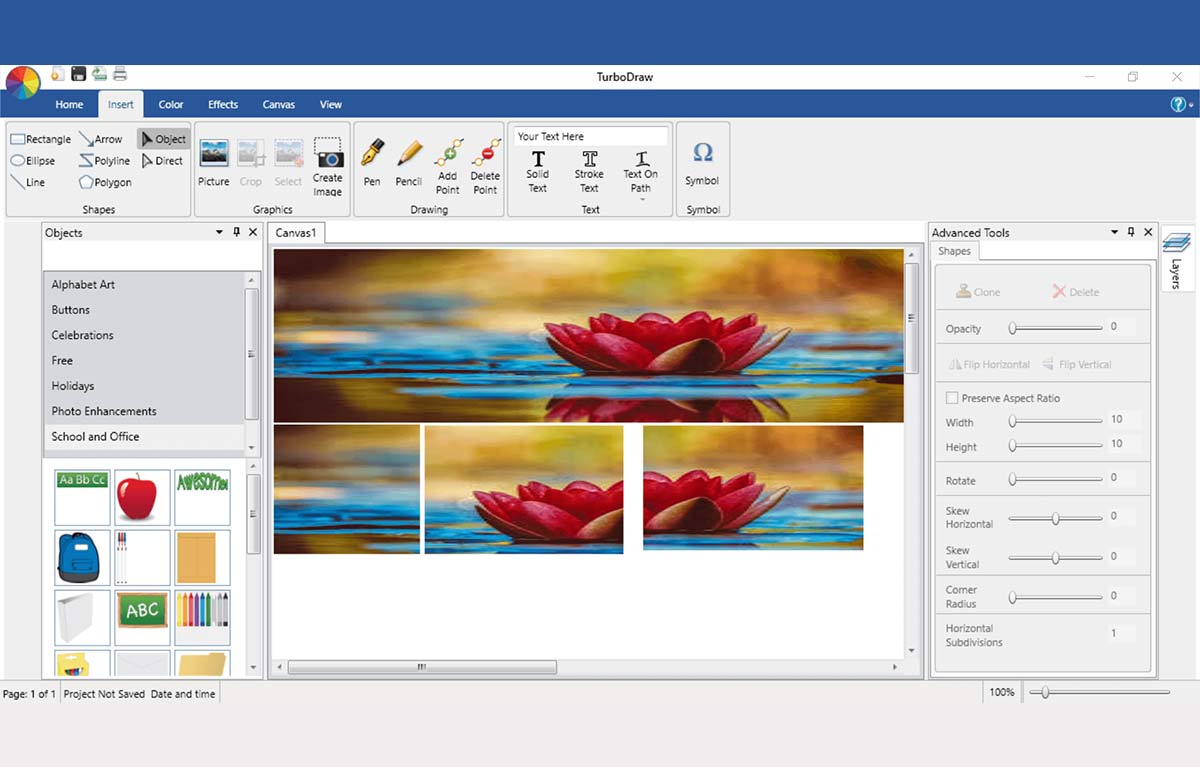
Knife tool
Custom backgrounds and textured fills add depth and character to a design. These enhancements contribute to professional visual styling and help convey mood, tone, or thematic elements effectively.
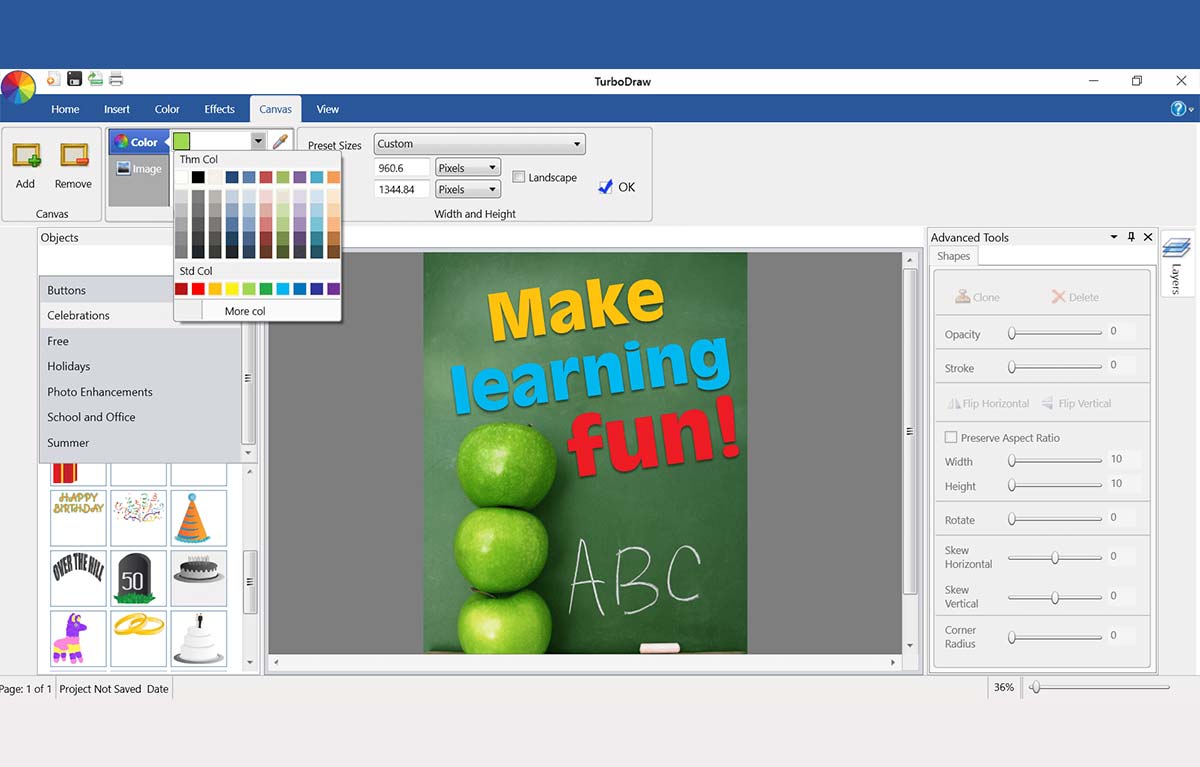
Creative Background and Fill Textures
A variety of stroke and fill options for text increase its visual impact. Artistic treatments allow text to serve not only a communicative role but also an expressive one, enhancing the aesthetic appeal of the overall composition.
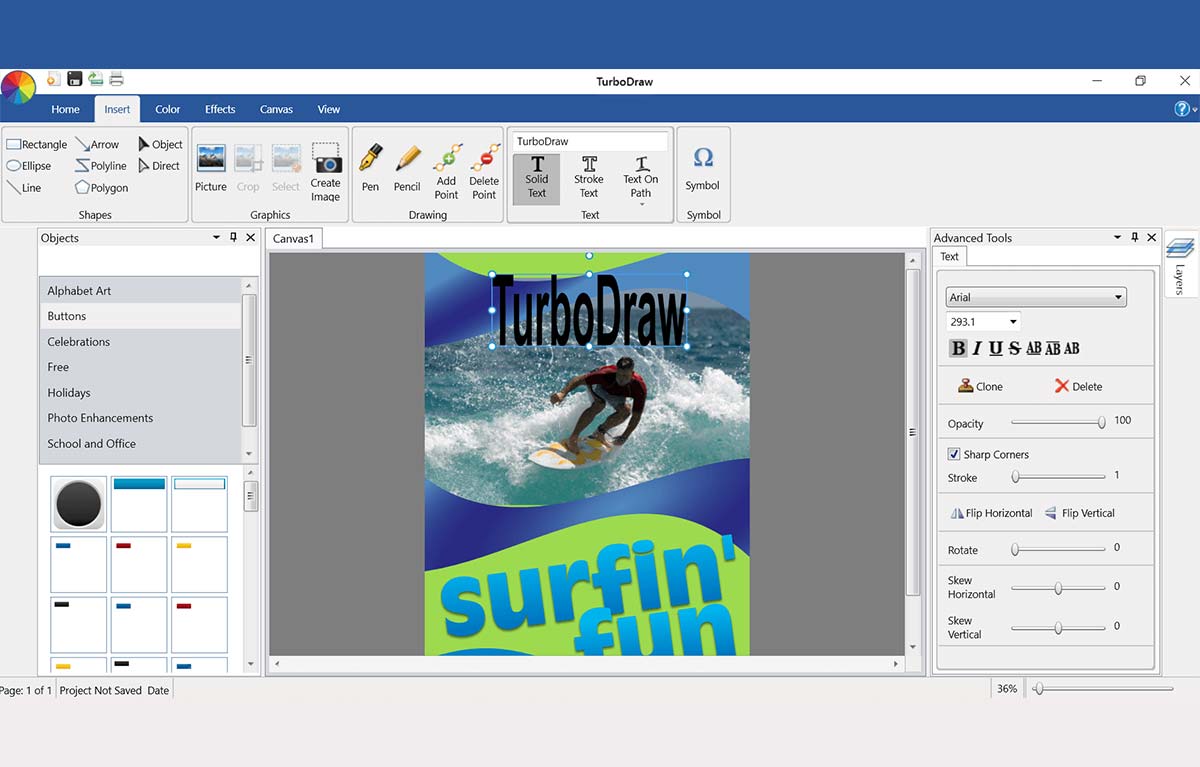
Stylish Text & Artistic Strokes
The smoothing function refines hand-drawn lines, reducing jagged edges and improving flow. This results in cleaner sketches and more polished illustrations, particularly useful for detailed freehand work.
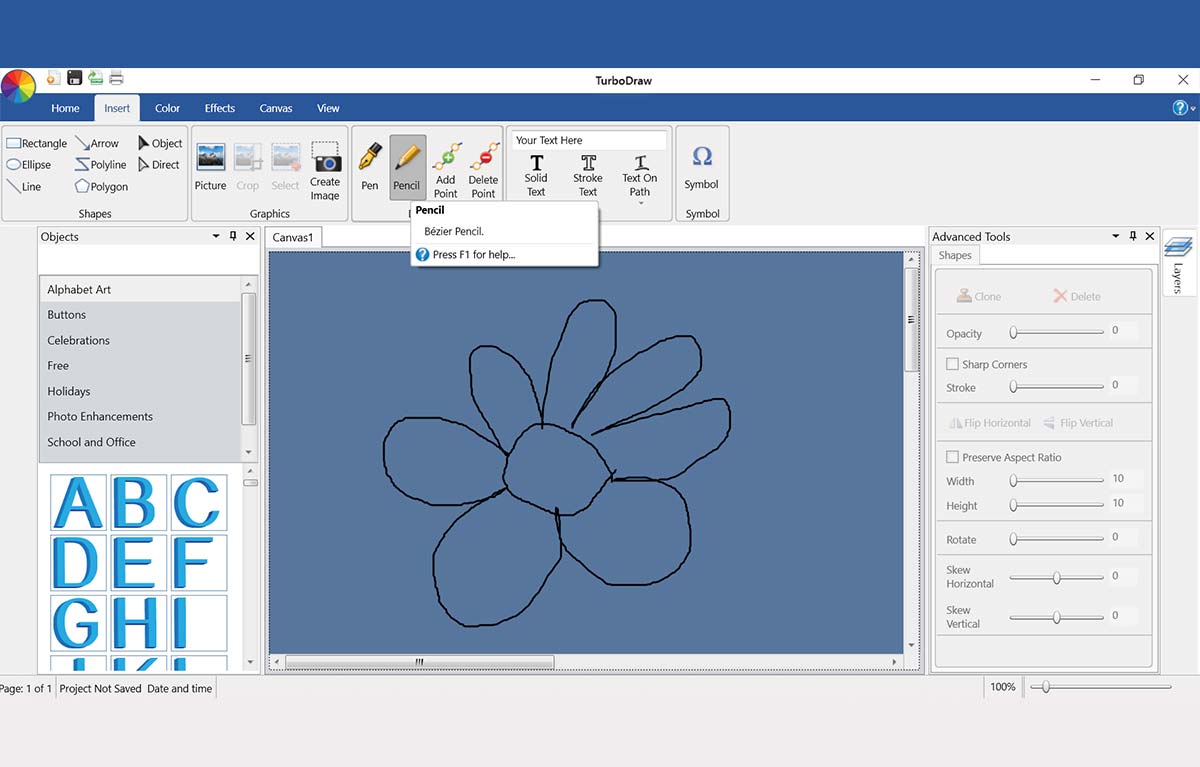
Smoothing Tool
A comprehensive digital guide supports learning and troubleshooting. It aids users in mastering the toolset, streamlining onboarding, and enabling more advanced creative techniques over time.
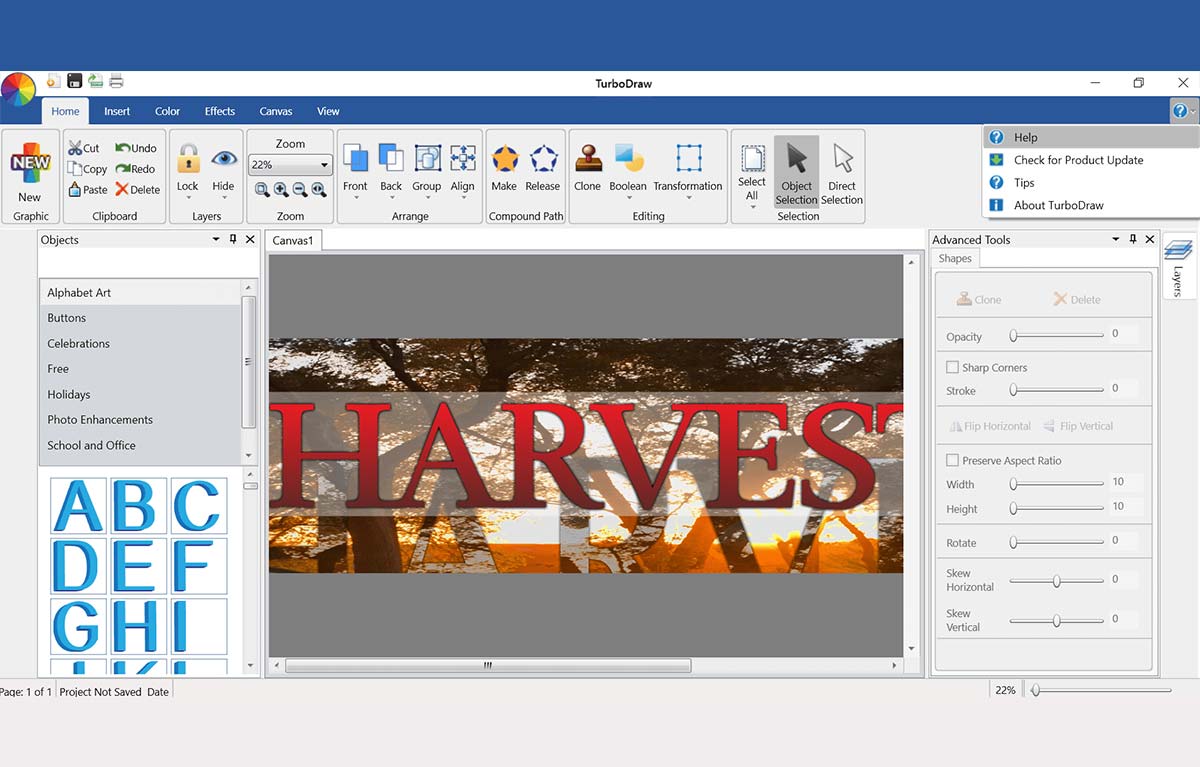
Detailed Help Guide
Visual effects can be applied to images and text to enhance appearance. Adjustments such as color manipulation, font styling, and layout changes help achieve desired tone and branding consistency within a project.
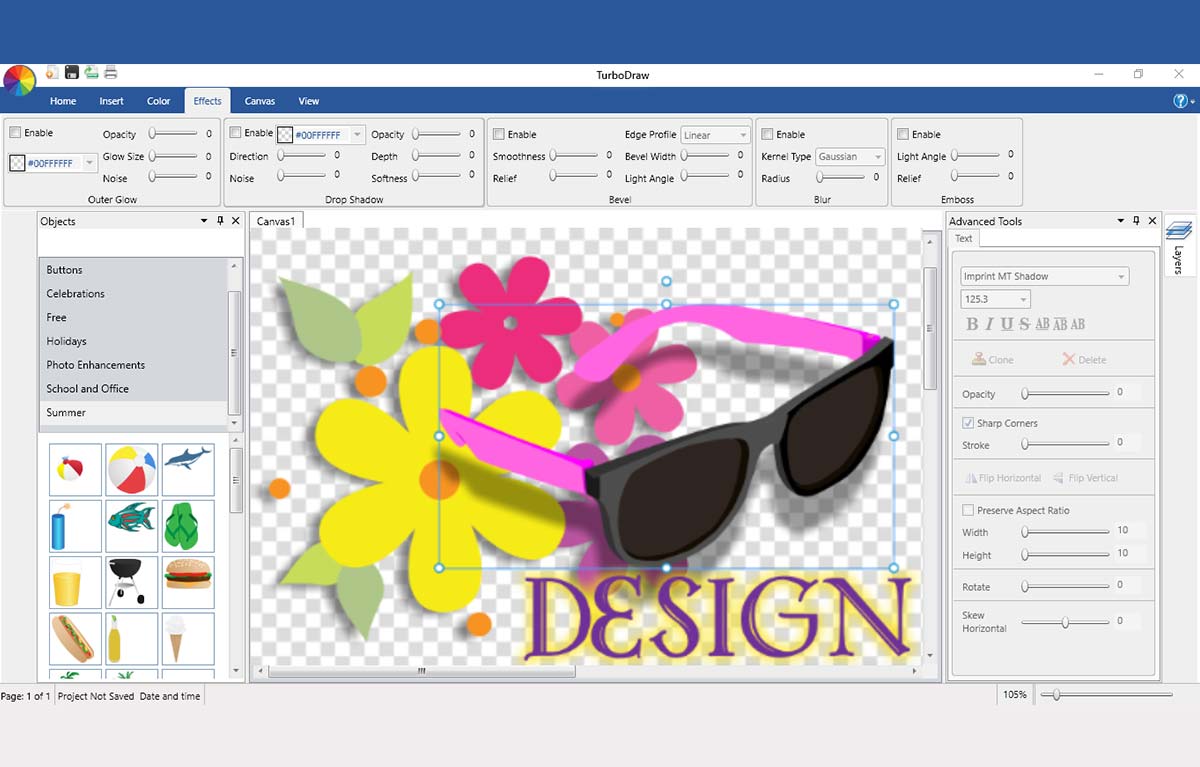
Visual Effects
TurboDraw™supports a wide range of image formats including JPEG, PNG, BMP, TIFF, WMF, and SVG. This allows integration of external assets into design projects, making it suitable for both pixel-based and vector-based workflows. Full SVG compatibility also ensures that vector graphics remain scalable without quality loss, providing adaptability across various media formats. This versatility streamlines the creative process and enhances collaboration between different design tools and environments.
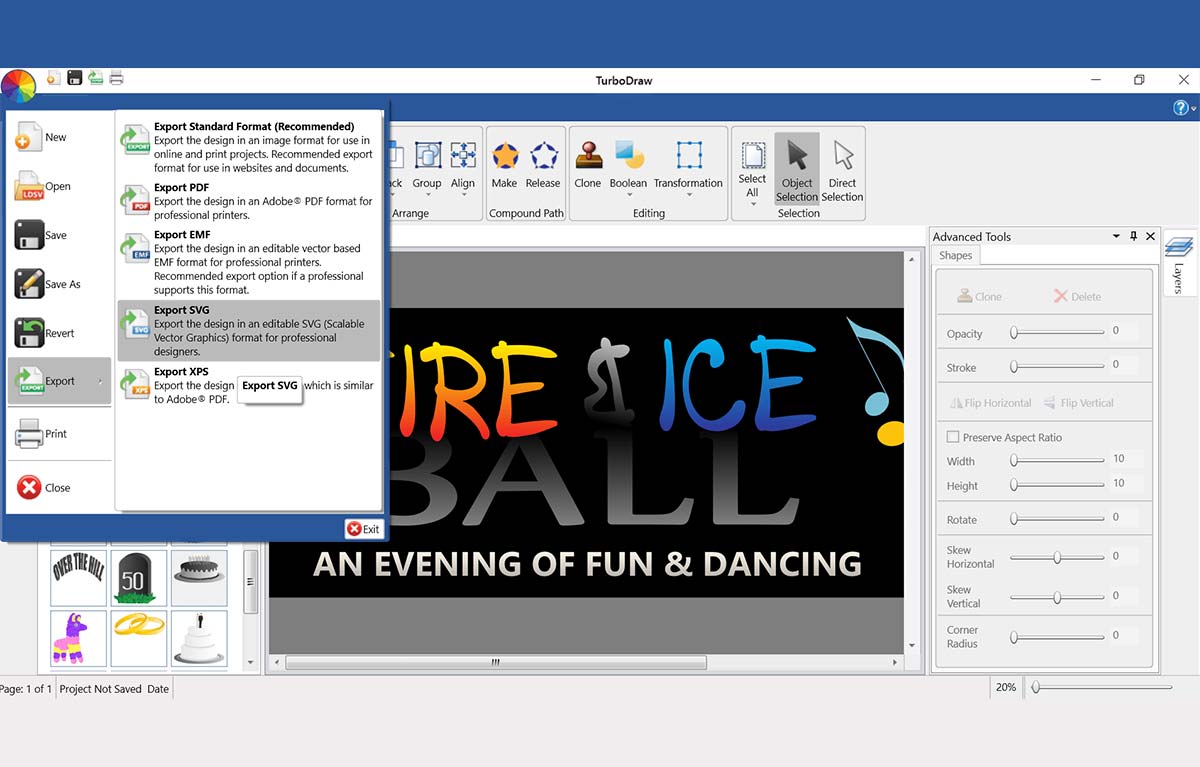
SVG Import/Export
Elite 2D/3D CAD Software
TurboCAD® for Windows offers versatile CAD tools for engineers, architects, designers, and hobbyists. With Platinum, Professional, Deluxe, and Designer versions, it suits all skill levels. Platinum includes advanced 3D modeling, ACIS® solids, and rendering. Professional combines 2D/3D design with strong file support. Deluxe is great for beginners or small businesses, while Designer is ideal for basic 2D drafting. With intuitive tools, tutorials, and wide file compatibility, TurboCAD® delivers precision and creativity for all your design needs.
Note: Multilingual Version (English, French, German). The installer includes additional languages, but some localizations are still in progress and may not function fully.
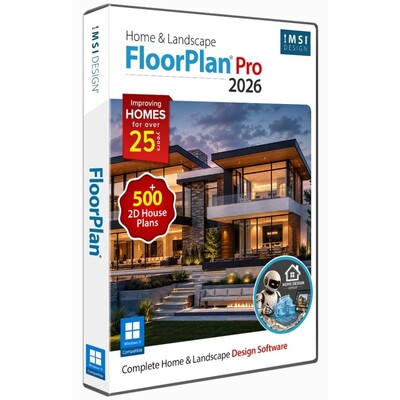
FloorPlan® offers an intuitive set of tools for homeowners, designers, and DIYers. Whether remodeling, designing your dream home, or planning outdoor spaces, FloorPlan® makes it easy with drag-and-drop simplicity. Choose from Pro, Deluxe, Instant Architect, or Express—each designed to turn ideas into reality. No experience needed—just start designing with powerful features like cost estimation, step-by-step guides, and 3D visualization. FloorPlan® is your perfect partner for any home design project.
DesignCAD™ offers powerful yet easy-to-use 2D/3D CAD tools for beginners, hobbyists, and professionals. DesignCAD™ 3D Max combines intuitive 2D drafting with advanced 3D modeling, rendering, animation, and 3D printing support—ideal for both learning and pro projects. It supports AutoCAD® files for smooth compatibility. For 2D-focused users, DesignCAD™ 2D Express provides a simple interface with hundreds of drafting tools, perfect for technical drawings and layouts. DesignCAD™ helps bring your ideas to life with precision and ease.
Animate your TurboCAD® designs.
AnimationLab Plug-in for TurboCAD® is easy-to-use software for creating professional-looking animations from your TurboCAD® designs. Use single click animation features to quickly enhance your work, or access high-end animation features for professional presentations.
Furniture plans have never been easier to put together for your apartment, condominium or tiny house. With the Apartment and Condominium Collection you can easily define ideal choices for every room. All it takes is a few clicks of the mouse. Select from dozens of furniture options including modular storage, nesting tables, chairs, and wall beds.
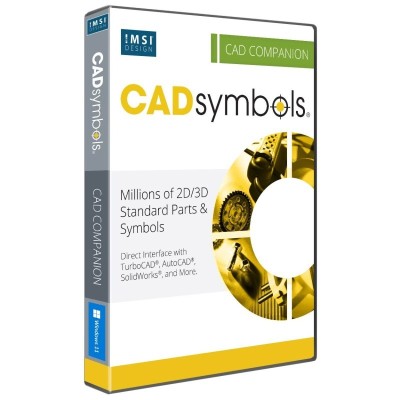
30+ Million Parts, Symbols and Models
CADsymbols® significantly boosts your productivity with over 30 million standard parts, symbols, and models for architectural, mechanical, electronic, and electrical drafting and design. This extensive library provides both 2D symbols and freely revolving 3D models, supporting both metric and imperial measurements, making it perfect for professionals who want to download complex symbols directly into their drawings instead of creating them from scratch.
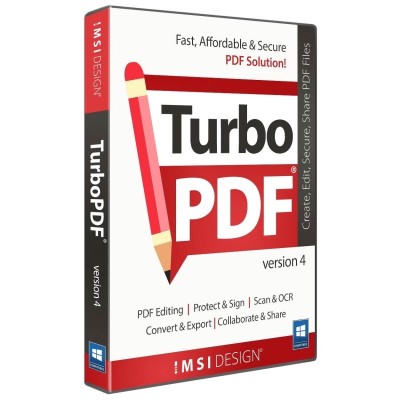
Fast, Affordable, and Secure PDF Solution
TurboPDF 4 is a feature-rich PDF solution that can be used to produce professional-looking PDF documents quickly, affordably, and securely. Create, view, and edit PDF documents, scan and OCR, mark up, convert and export to multiple formats, encrypt to secure, digitally sign, and more.
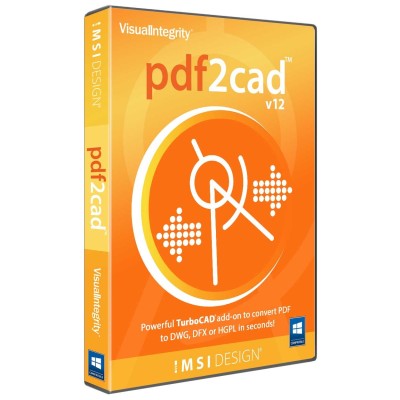
Convert PDF to DWG, DXF, or HPGL — Fast and Precisely
pdf2cad is a robust and efficient tool designed to convert 2D vector PDFs, EPS, and Adobe Illustrator files into fully editable CAD drawings. With just a few clicks, you can transform complex designs into accurate DWG, DXF, or HPGL files—eliminating the need for manual redrawing and saving hours of valuable time.